
On this page
- The Foundation: Understanding Why AI Characters Drift
- Building Your Character Reference Set
- The Identity Lock System: Separate What Stays From What Changes
- The Reference-First Generation Workflow
- Platform-Specific Reference Techniques
- Moving From Images to Video Without Losing Consistency
- Scoring and Quality Control Systems
- When Character Drift Happens: The Recovery Protocol
- Advanced Consistency: Expression and Outfit Variations
- Multi-Character Scene Consistency
- Building a Production Asset Library
- Common Consistency Mistakes to Avoid
- Future-Proofing Your Character Workflow
Character drift is the silent killer of AI-generated visual stories. You generate a perfect character in one image, then watch helplessly as the next generation subtly shifts their face, changes their proportions, or transforms their features entirely. This guide shows you how to lock your character's identity and maintain perfect consistency across every image and video you create.
The solution isn't about finding the "right" AI tool—it's about implementing a reference-based system that works across platforms. Whether you're using Runway, Kling, MiniMax, or any other generation tool, these principles will give you the control you need.
The Foundation: Understanding Why AI Characters Drift
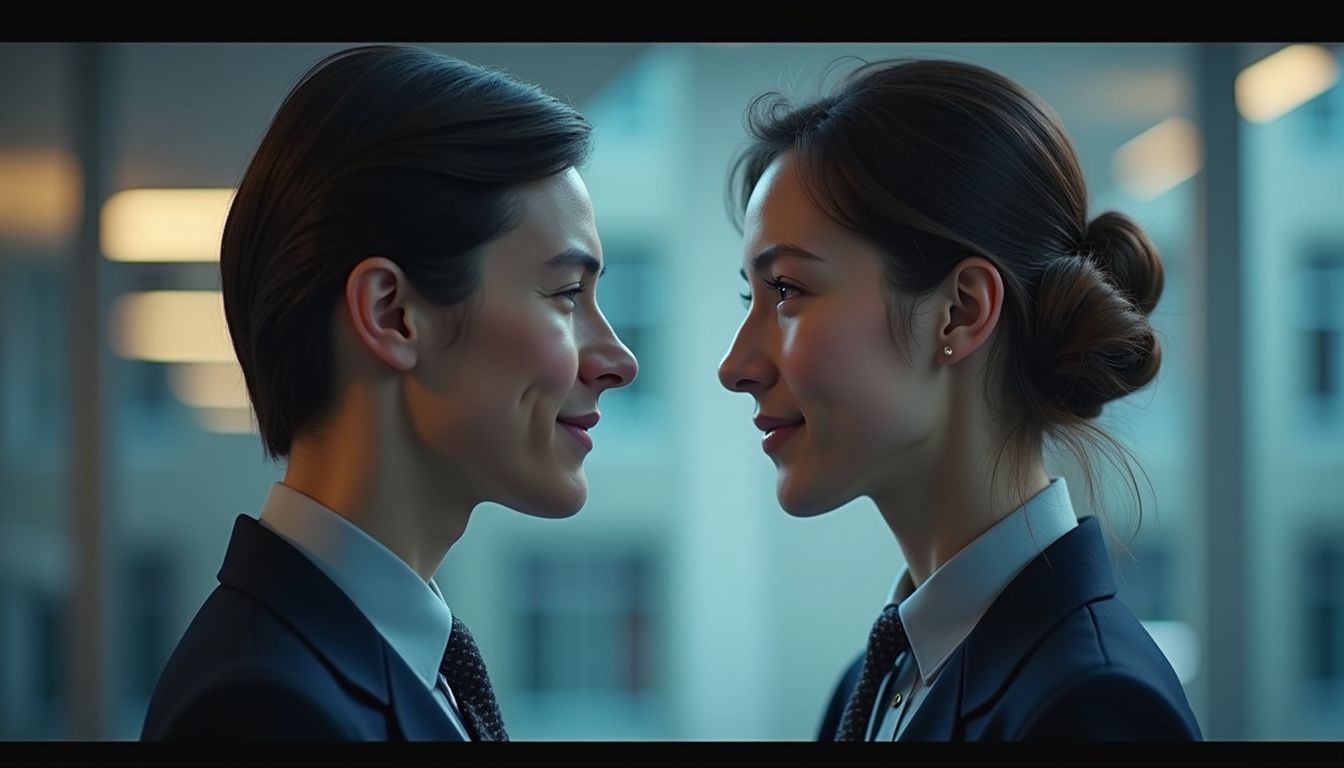
AI models don't "remember" your character between generations. Each prompt is processed independently, which means describing "a woman with brown hair and green eyes" will produce different results every time. Even slight variations in your prompt wording—"short dark hair" versus "dark short hair"—can trigger different interpretations.
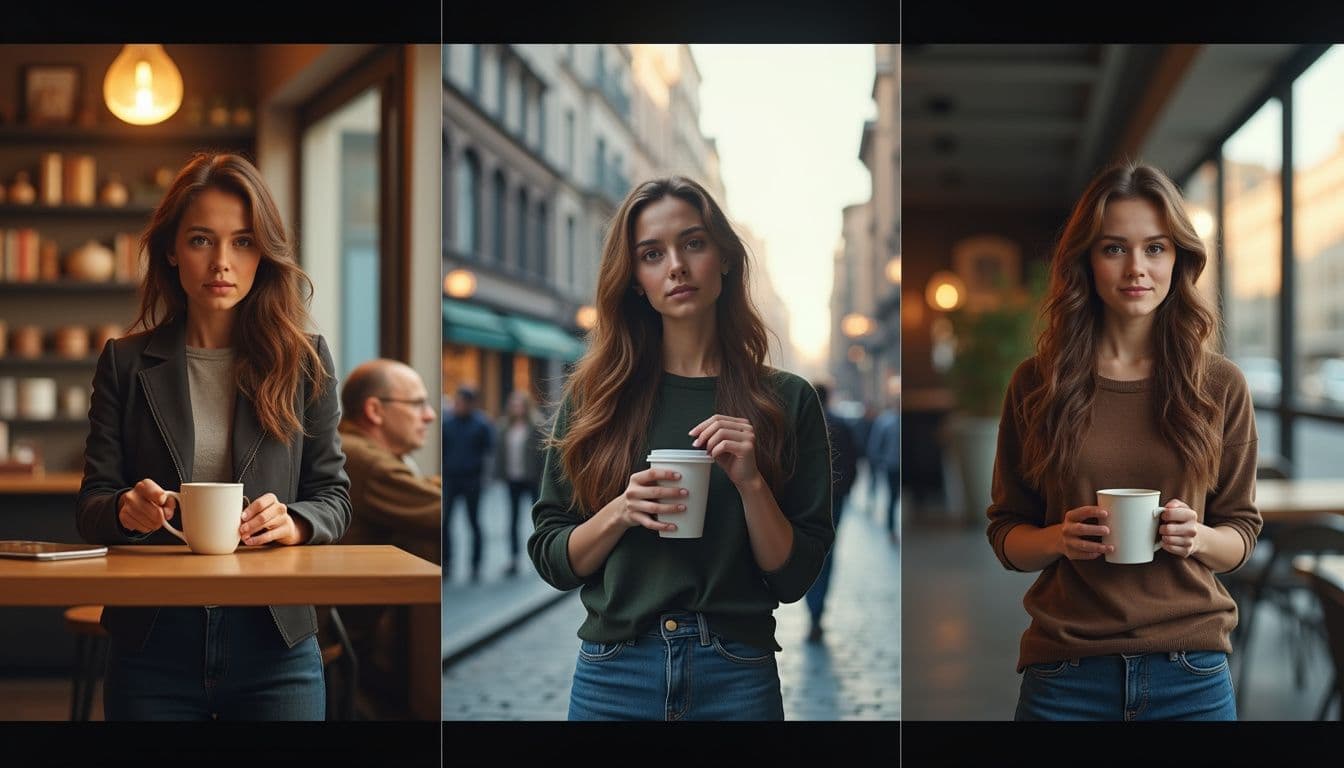
According to queststudio.io, the root problem is that most creators mix identity details with scene details in a single prompt. When you write "a young woman with auburn hair in a coffee shop wearing a red jacket," the AI treats all elements equally. Change "coffee shop" to "subway station" and the model may also subtly shift the face, hair, or proportions.
The professional solution separates identity from scene. Identity elements—face structure, eye shape, hair silhouette, body proportions—must remain locked and unchanged. Scene elements—location, lighting, camera angle, action—should change freely without affecting the character. This separation is the cornerstone of consistent character AI generation.
Character consistency requires discipline before creativity. You need a system that feeds the AI the same identity information every single time, regardless of what scene you're creating. That system starts with building a proper reference set.
Building Your Character Reference Set
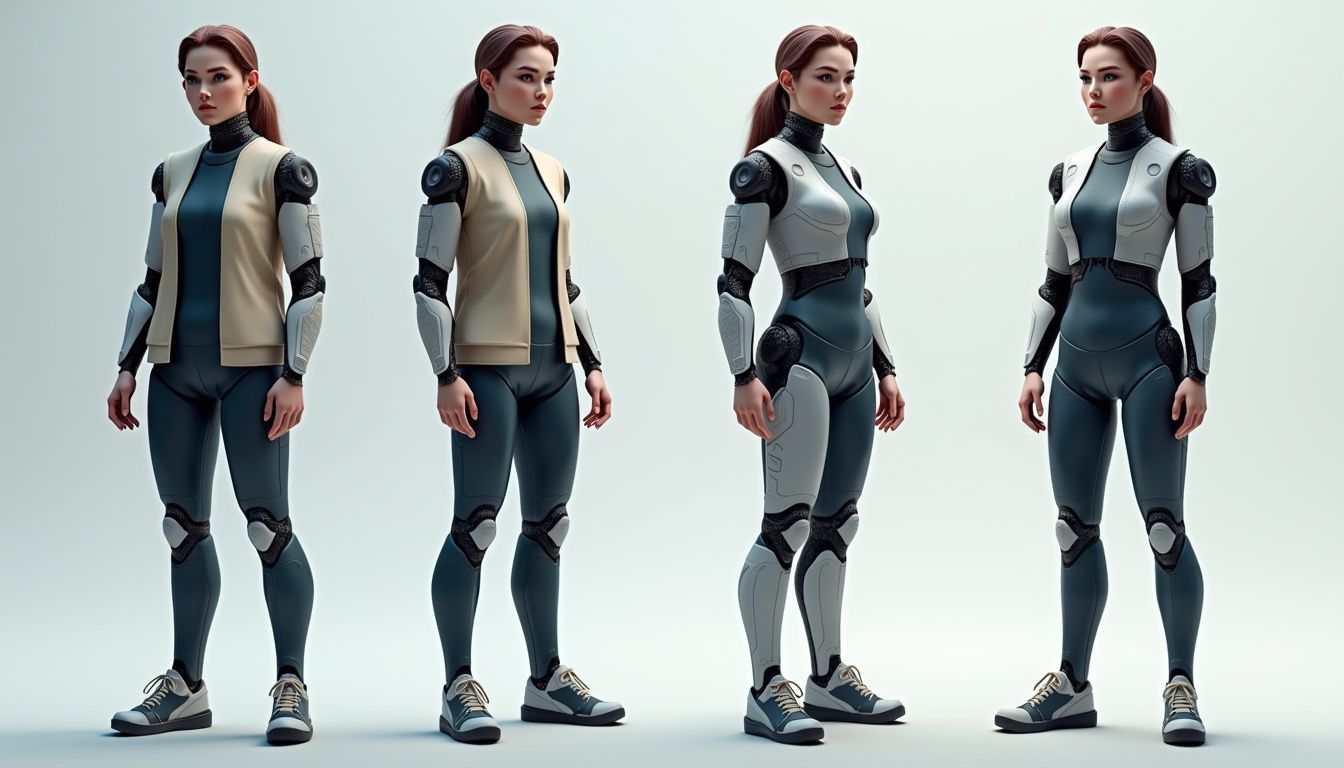
Your reference set is the single source of truth for your character's appearance. According to runway.com, you need between two and four high-quality reference images that show your character from different angles. This isn't about quantity—it's about strategic coverage of the features that matter most.
Start with a master portrait: a clean, front-facing head-and-shoulders shot with neutral lighting, a simple background, and a neutral expression. This image establishes eye shape and color, nose structure, mouth shape, jaw definition, and hairline. Reject any generation where eyes are soft, accessories cross the face, or dramatic lighting creates harsh shadows. Those imperfections become part of your reference signal.
Add a three-quarter view to show facial depth, cheek structure, and how features look at an angle. Include a side profile that confirms nose, chin, forehead, and hair silhouette. If your character appears in full-body scenes, generate one full-body reference with a simple standing pose, visible hands, and uncluttered background. According to pixo.video, this combination gives the AI enough information to reconstruct your character accurately without overwhelming it with conflicting signals.
Quality requirements matter more than you think. Each reference image must be at least 1024 pixels on the shortest side, sharp focus on the face, even lighting that shows true colors, and a clear view of distinguishing features. All references must show the same character with identical features—using images where the person looks different between shots confuses the AI and guarantees inconsistency.
The Identity Lock System: Separate What Stays From What Changes

Professional AI character consistency uses a three-layer system that explicitly defines what must remain identical versus what can change. This structure, detailed by queststudio.io, prevents the accidental drift that happens when you casually rewrite prompts.
Layer 1 is your identity anchors—elements that define who the character is. This includes age range ("mid-20s" not "young"), face shape (oval, square, heart-shaped), eye shape and color (almond-shaped hazel eyes), skin tone (specific enough to be consistent), hair silhouette (shoulder-length wavy, not just "long hair"), body proportions (height impression, build), one or two distinctive features (small scar above left eyebrow, dimpled smile), and one signature item (silver ring on right hand, small star tattoo). Write these once and never change the wording.
Layer 2 contains your style anchors—visual consistency elements that aren't identity but affect recognition. This includes typical clothing style (casual modern, professional attire), color palette preferences (earth tones, avoids bright red), typical accessories (always wears small hoop earrings), and overall aesthetic (clean, minimal, classic). These can evolve slightly across a story but shouldn't contradict the character's established look.
Layer 3 holds scene variables that change freely: location (coffee shop, city street, apartment), action (sitting, walking, reaching), lighting (golden hour, overcast, indoor), camera angle (medium shot, close-up, over-shoulder), mood (contemplative, energetic, tense), and props (holding coffee cup, using phone). Change these as much as you want—they shouldn't affect identity if your reference system is solid.
Create one reusable text block containing only layers 1 and 2. Save it as a versioned asset like "Mara_identity_v1.txt" and copy-paste it into every prompt. Append scene variables as a separate paragraph. This separation is the difference between professional consistency and amateur drift.
The Reference-First Generation Workflow

The correct workflow moves from static to dynamic, simple to complex, always validating before adding variables. According to maxvideoai.com, the fastest path to ai character consistency is: define the character once, turn that identity into a reusable reference, then reuse that reference across stills, edits, and video prep.
Step one: Generate your master portrait using your identity anchor text. Run 10-15 generations and select the single best result that matches your vision. This becomes your primary reference image—don't compromise on quality here because every future generation builds from this foundation.
Step two: Generate your additional angle shots (three-quarter, profile, full-body) by uploading your master portrait as a reference image and adjusting only the camera angle in your prompt. Keep all identity anchor text identical. Reject any result that contradicts the master portrait—a conflicting side view is worse than having no side view at all.
Step three: Test your reference set by generating the character in three simple scene variations while keeping everything else constant. Try "in a coffee shop," "on a city street," and "in a modern apartment." Use the same medium shot framing, same neutral lighting, same standing pose. If the character stays consistent, your reference set is solid. If drift appears, identify which identity element is unstable and regenerate your master portrait with that feature described more precisely.
Step four: Expand to controlled complexity by changing one variable at a time. Test a close-up shot, then a full-body shot, then different lighting, then different outfits, then different expressions. When drift appears, the most recent change is your suspect. This incremental approach, recommended by queststudio.io, prevents the confusion of changing multiple elements simultaneously.
Platform-Specific Reference Techniques

Every AI generation platform handles references differently, but the principle remains constant: attach your reference images instead of relying on text alone. Understanding your tool's specific reference system is essential for consistent character AI results.
Runway's Gen-3 Alpha Turbo allows character reference uploads where you can attach 1-3 images of your character. Runway's official resources recommend using one clear primary reference for simple consistency needs, or multiple angles when generating videos with camera movement. Always generate a still image with your character reference first, confirm it looks correct, then convert that approved image to video rather than generating video directly.
Kling provides "Elements" slots where you can upload reference images for characters, objects, or styles. Assign your character references to a character element slot and that identity will be maintained across generations within the same project. The key is using the exact same reference images—don't switch between similar photos of your character or the model will interpolate between different looks.
MiniMax and Hailuo use subject-reference image systems where you upload one primary character image and the model attempts to match that appearance. These platforms respond well to clear, front-facing reference images with simple backgrounds. According to pixo.video, MiniMax particularly benefits from high-contrast reference images where the character is well-separated from the background.
Veo (Google's video model) accepts reference images as "Ingredients" that influence the generation. You can upload multiple ingredients including character references, style references, and scene references. The strength of each ingredient can be adjusted, which gives you fine control but also requires experimentation to find the right balance that maintains identity without overriding your scene prompt.
Moving From Images to Video Without Losing Consistency

Video generation multiplies consistency challenges because you're maintaining identity across time, motion, and changing camera angles. The professional approach builds video from validated stills rather than generating video directly from prompts.
Start with image-to-video conversion: Generate the perfect still image of your character using your reference set, validate that all identity anchors are correct, then feed that approved still into video generation with a simple motion prompt. Runway.com recommends straightforward camera angles and simple motions—"walking forward" maintains consistency better than "spinning around while jumping" because complex motion forces the AI to interpolate features it can't see in the reference.
Keep initial video clips short. Generate 5-10 second clips where consistency is easier to maintain, then combine multiple clips in editing software rather than attempting one long video where features degrade over time. This modular approach also lets you regenerate individual problematic clips without scrapping an entire sequence.
Plan your video structure around consistency checkpoints. According to queststudio.io, you should move to video only after stills pass validation—prove that the character survives a front portrait, three-quarter view, full-body pose, expression change, outfit change, and simple environment change. Only then should you add motion, because video introduces temporal changes, camera movement, and new angles that multiply complexity.
When drift appears in video, fall back to your still reference. Regenerate the starting frame as a still image using your reference set, validate it matches your identity anchors, then convert that corrected still to video. This two-stage process gives you a quality control checkpoint before committing to the rendering time of video generation.
Scoring and Quality Control Systems

Inconsistent evaluation causes more drift than inconsistent prompts. You need a repeatable scoring system that objectively compares each new generation against your master reference before admitting it into your approved asset library.
Create a visual checklist based on your identity anchors. For facial features, verify: eye shape matches (not just color), nose bridge and tip match reference, mouth shape and lip fullness match, jaw definition matches, hairline and hair volume match, and any distinctive features (scars, moles, dimples) appear correctly. For proportions, verify: height impression matches (relative to background objects), shoulder width matches, build and body type match. For style anchors, verify: clothing style aligns with character, color palette is consistent, signature items appear correctly.
Use a pass/revise/reject scoring system recommended by queststudio.io: Pass means all identity anchors match and the image can be used in production. Revise means one or two elements are slightly off but the generation is close enough to warrant a targeted retry. Reject means multiple identity elements are wrong or one element is severely wrong—delete it and don't try to salvage it through editing.
Never promote an image because it "feels close" or because you're tired of regenerating. Compare it against the master using your checklist every single time. Mark the decision and save only passed images in your character's reference folder. This discipline prevents small errors from accumulating across a story or campaign—one slightly wrong image used as a reference will propagate that error to every subsequent generation.
Version your references as you refine them. If you regenerate your master portrait to fix a consistency issue, save it as "character_v2" and document what changed. This versioning prevents confusion when you're working across multiple sessions or collaborating with others who need to maintain the same character.
When Character Drift Happens: The Recovery Protocol

Even with a solid reference system, occasional drift is inevitable. The key is fixing it systematically rather than randomly regenerating until something looks right. Pixo.video recommends a specific recovery order that starts with the cheapest fix first.
Step one: Adjust your prompt text. Verify that your identity anchor text exactly matches your locked master prompt—even small paraphrasing can cause drift. Check that you haven't accidentally added conflicting descriptors in your scene variables ("dramatic shadows" might alter facial features; "vintage film look" might change skin tone). Tighten any vague language and regenerate with the corrected prompt.
Step two: Switch the generation model. Different AI models have different strengths—some maintain facial consistency better while others handle complex scenes better. If your character drifts on one platform, try regenerating the exact same prompt with your reference images on an alternative model. According to pixo.video, Kling and Seedance tend to be strong on identity retention, while other models excel at motion or lighting.
Step three: Re-anchor with fresh reference application. As a last resort, regenerate the shot by re-uploading your reference images as if starting fresh. Sometimes the model's internal weighting of your reference versus your prompt gets imbalanced—restarting the generation process can reset this balance. If drift persists even after re-anchoring, the problem is likely in your reference set itself rather than the generation process.
Step four: Regenerate your reference set. If a particular feature consistently drifts (eyes change color, hair volume varies, proportions shift), your master reference may be ambiguous in that specific feature. Regenerate your master portrait with that feature described more explicitly and precisely. For example, if eye color keeps shifting, change "green eyes" to "bright emerald green eyes with gold flecks" in your identity anchors.
Advanced Consistency: Expression and Outfit Variations
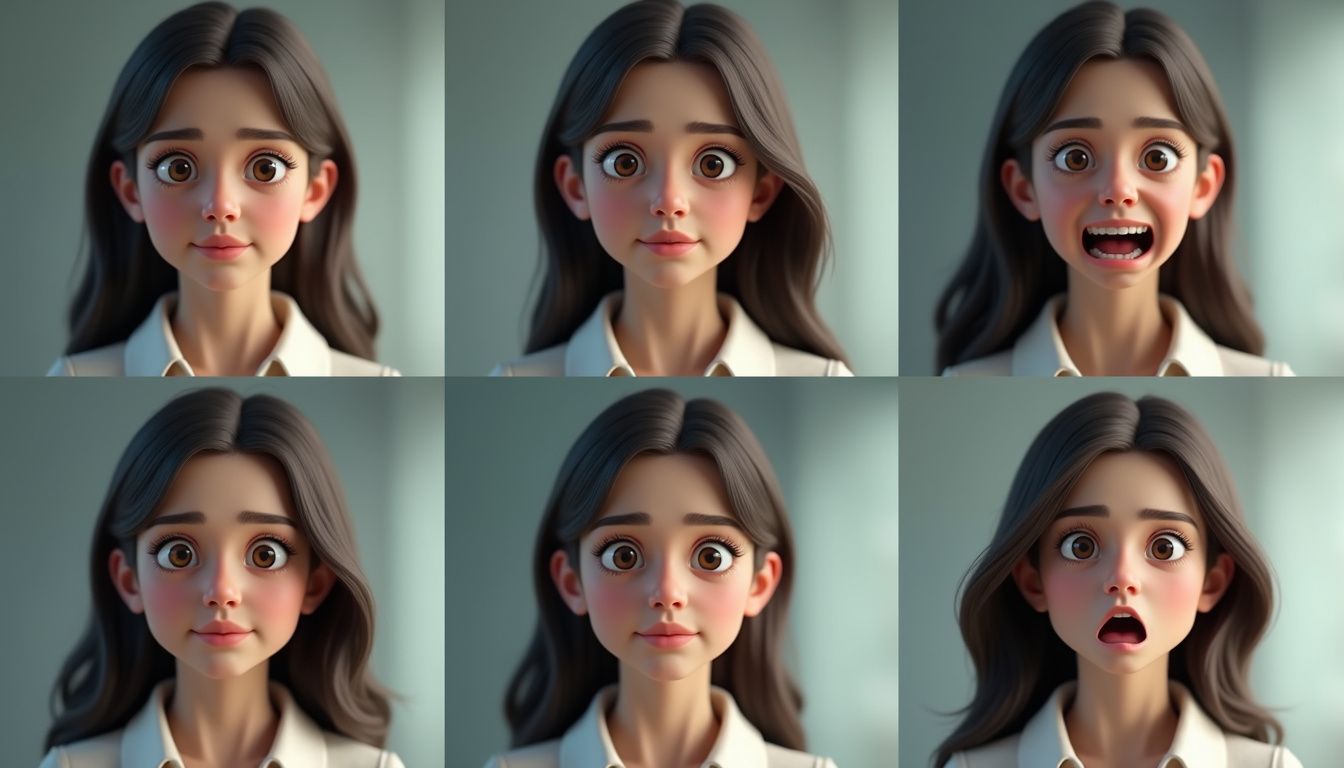
Once you've mastered basic consistency, you can expand your character's range while maintaining identity. Expression and outfit variations test whether your reference system captures true identity or just one specific look.
For expression variations, generate a small set of approved expressions using your master portrait as reference: neutral (your baseline), genuine smile (not forced), slight concern or worry, surprise or interest, and serious or focused. According to runway.com, these core expressions should maintain all facial structure elements—the shape of the smile should be consistent with the mouth shape in your neutral reference, eye crinkles should appear naturally from the established eye shape.
Validate each expression by overlaying it with your master portrait at low opacity (using image editing software). The facial features—eye position, nose tip, mouth corners, jaw line—should align even though the expression differs. If proportions shift or features move, that expression generation failed and shouldn't be added to your approved reference set.
For outfit variations, start with simple changes before attempting complete wardrobe transformations. Test your character in a solid-color t-shirt, then a button-up shirt, then a jacket. Keep the same medium-shot framing and neutral pose. If outfit changes cause facial drift, your prompt is letting clothing details interfere with identity anchors—strengthen the separation between your identity block and scene variables block.
Create outfit references the same way you created angle references: generate each outfit variation using your master portrait as the face reference, validate that facial features remain identical, then save passed results as additional references. These outfit-specific references can then be used for scenes requiring that particular clothing without re-describing the outfit each time.
Multi-Character Scene Consistency

Maintaining consistency becomes exponentially harder when generating scenes with multiple characters. Each character needs their own reference set, and you need techniques to prevent the AI from blending their features together.
The most reliable approach uses separate generations composited together. Generate each character individually against a green screen or neutral background using their respective reference sets, then composite them into the same scene using traditional editing software. This guarantees each character maintains consistency because they're generated independently, though it requires additional compositing work.
If generating multiple characters in a single prompt, use extremely specific spatial and descriptive separation. Instead of "two women talking," write "on the left: [complete identity anchor block for Character A]; on the right: [complete identity anchor block for Character B]; they are having a conversation in a coffee shop." The explicit left/right positioning helps the AI treat them as distinct entities.
Upload reference images for both characters when the platform supports multiple references. Label them clearly ("Character A reference" and "Character B reference") and verify the AI is applying the correct reference to each character position. Some platforms handle this better than others—test your specific tool's multi-character capabilities with simple scenes before attempting complex interactions.
Reduce visual similarity between characters to minimize blending. If both characters have long dark hair and similar age, the AI may drift them toward a common appearance. Give them distinctly different hairstyles, clearly different builds, different clothing color palettes, and different signature features. The more visually distinct your characters are in your reference sets, the easier the AI can maintain their separation.
Building a Production Asset Library

Professional consistent character AI work requires treating your references and approved generations as production assets with proper organization, versioning, and documentation. Ad-hoc folders of random images make consistency impossible at scale.
Create a structured folder system for each character: a "_MASTER_REFERENCES" folder containing only your locked reference set, a "_PROMPTS" folder with your versioned identity anchor text files, an "APPROVED_STILLS" folder organized by category (expressions, angles, outfits, scenes), an "APPROVED_VIDEOS" folder with clip metadata, and a "REJECTED" folder for generations that failed quality control (keep these temporarily for pattern analysis).
Document your identity anchors and style anchors in a character brief document. Include the text of your locked prompt, thumbnail images of your reference set, a changelog noting any refinements to the identity description, known issues or challenging angles, and platform-specific settings that work well for this character. According to maxvideoai.com, this documentation becomes essential when returning to a project after weeks away or when handing the character to another creator.
Name your files descriptively with consistent conventions: "CharacterName_angle_expression_outfit_version.png" gives you searchable, sortable assets. For example: "Mara_three-quarter_neutral_casual_v2.png" or "Mara_full-body_smiling_professional_v1.png". This naming prevents the confusion of having 50 files named "image_1234.png" with no indication of what makes each one useful.
Back up your reference sets separately from your general project files. Losing your master references means losing the ability to maintain consistency—treat them as irreplaceable production assets. Cloud storage with versioning (so you can recover if you accidentally overwrite a reference) is worth the small cost.
Common Consistency Mistakes to Avoid

Understanding what breaks consistency is as important as knowing what maintains it. These common mistakes account for most character drift issues, and they're all completely avoidable with proper discipline.
Mistake one: Paraphrasing your character description. Writing "short dark hair" in one prompt and "dark cropped hair" in another triggers different interpretations even though they seem similar. The AI doesn't understand synonyms the way humans do—it processes different token combinations differently. Always copy-paste your exact identity anchor text; never rewrite it from memory.
Mistake two: Using low-quality or inconsistent reference images. Blurry photos, dramatic lighting that hides features, extreme angles, or images where your character looks noticeably different between shots will confuse the AI and guarantee drift. Invest time in generating or selecting clean, clear, consistently-lit reference images before attempting any production work.
Mistake three: Changing too many variables simultaneously. When you shift from "woman standing in a coffee shop" to "woman running through a dark forest at night in a leather jacket" and the face changes, you can't diagnose which variable caused the drift. Change one element at a time—action OR lighting OR outfit OR environment—so you know what your character's consistency limits are.
Mistake four: Accepting "close enough" results. Every time you approve a generation that doesn't quite match your reference, you're expanding what "correct" means for that character. The next generation may drift further, and you'll rationalize that it's close to the previous "close enough" version. This gradual drift destroys consistency across a project. Reject imperfect generations ruthlessly.
Mistake five: Neglecting to validate stills before moving to video. Video problems are exponentially harder and more time-consuming to fix than image problems. If your character isn't perfectly consistent across still images in various poses and scenes, that inconsistency will be amplified and multiplied in video. As queststudio.io emphasizes, prove still consistency first, then animate only validated images.
Future-Proofing Your Character Workflow

AI generation tools evolve rapidly, but the principles of reference-based consistency remain stable. Building your workflow around these principles rather than platform-specific features ensures your characters remain consistent even as tools change.
Platform-agnostic asset management means organizing your references, prompts, and approved generations in a way that works across any AI tool. Your character's identity shouldn't be locked into one platform's proprietary format. Maintain your master references as standard image files, your identity anchors as plain text, and your documentation in portable formats that you can move between tools as better options emerge.
As newer models release with improved consistency features, test them against your established reference sets. Generate the same test scenes you used to validate your original workflow and compare results objectively. Better tools should maintain your character more easily with less prompt engineering, but they should match your existing approved look—switching platforms shouldn't mean accepting a slightly different version of your character.
Stay informed about emerging consistency features like improved multi-image references, temporal consistency controls for video, and automated character extraction tools. According to runway.com, the trajectory is toward models that better understand persistent identity across generations. However, even the most advanced tools will benefit from clean references and disciplined prompting.
Consider the long-term value of your character assets. If you're building characters for a series, brand, or ongoing project, invest in thorough reference sets and documentation now. The time spent creating a comprehensive reference library pays exponential dividends as your project grows, while cutting corners early creates mounting technical debt as inconsistencies accumulate across dozens or hundreds of generations.