
On this page
You can make an AI short film in one weekend if you keep it to 30 to 60 seconds, one character, one location and one clear beat. Plan on Friday, build references and generate shots on Saturday, then do sound and the edit on Sunday.
The trick is to stop thinking about a film and start thinking about a list of shots. This guide gives you a realistic schedule for AI filmmaking, the order that saves you the most rework, and the mistakes that quietly eat a Sunday.
Pick a film you can finish in 48 hours
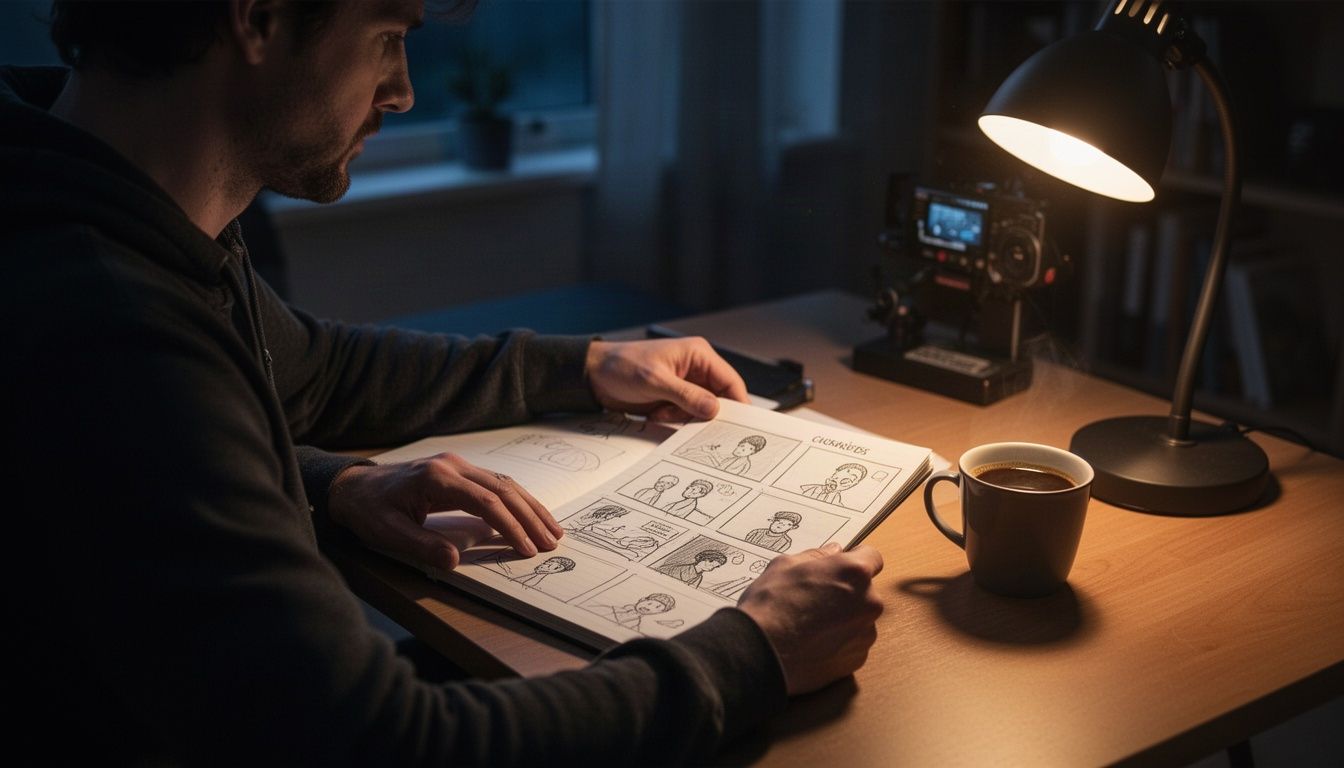
Scope is the whole game. Most weekend projects die because the story is too big, not because the tools are bad. For a first short, one guide recommends one main character, one goal and one meaningful change, and notes that a 30 to 60 second film rarely has room for a subplot.
Write the idea as cause and effect. A commuter finds a paper bird at an empty bus stop, unfolds it, and looks up. That is a film. A sprawling heist with five characters is a series, and you do not have the weekend for it.
Use these limits as a starting filter:
- Runtime: 30 to 60 seconds. Kling's own guide says a minute is roughly 8 to 15 shots, which is a workable number for two days.
- Cast: one visible character, two at most.
- Location: one place, one time of day. Fewer lighting setups means fewer continuity problems.
- Dialogue: none, or one line. Lip sync across many shots is where weekends go to die.
A silent or voiceover-driven film is a perfectly good first project. Plenty of real short films work that way, and it removes your hardest consistency problem.
How to plan an AI short film on Friday night
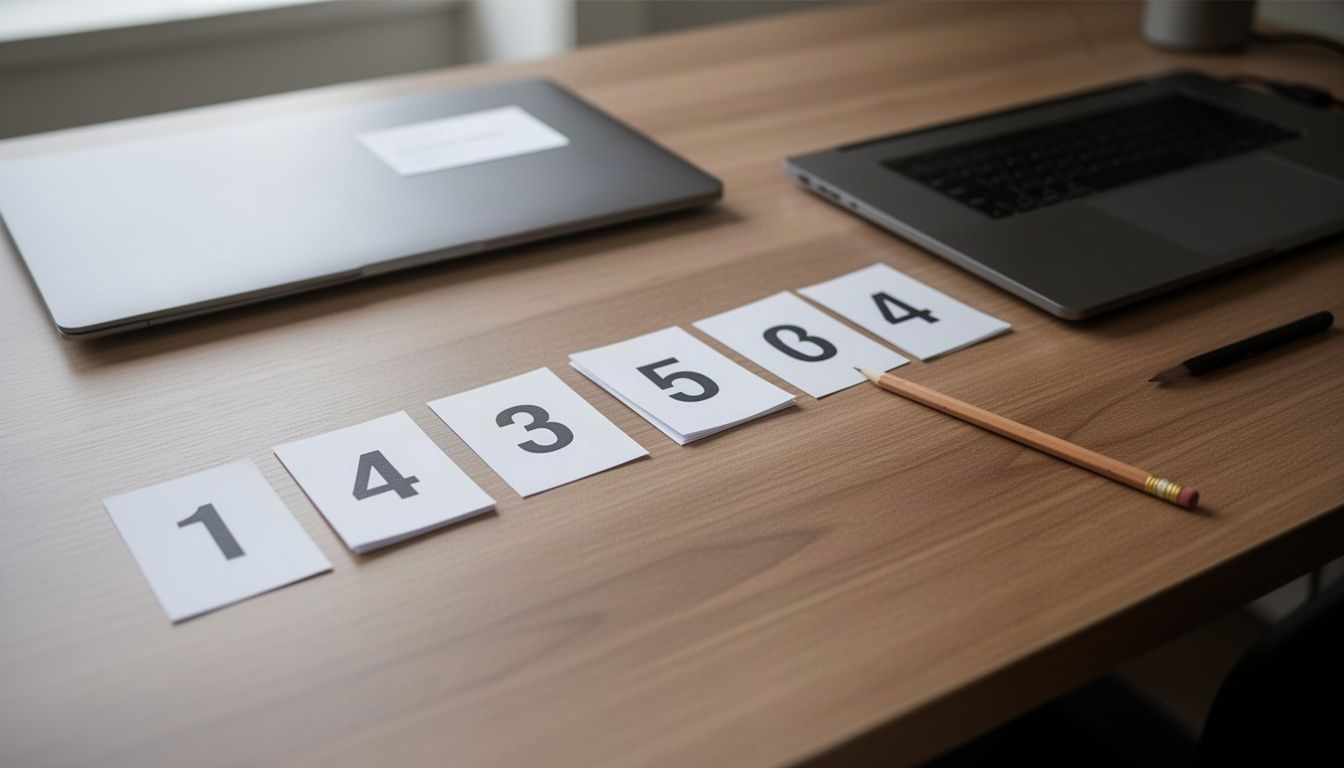
Give Friday evening two hours and produce two things: a one-line premise and a numbered shot list. The list is your film. The clips just fill it in.
AI video models generate in short clips, so think shot by shot. For each shot, write the subject, the action, the camera move and the mood. Give every shot one job: an establishing wide, a detail, a turn, a resolution. Kling's guide puts it plainly: prompt each shot for its specific job, and keep clips under that model's 15-second limit.
A simple 10-shot structure for a 45-second film:
- Wide establishing shot of the location
- Medium shot of your character in the space
- Close-up of a detail (hands, an object, a face)
- The inciting moment
- Reaction close-up
- Character moves toward the change
- Detail of the change itself
- Wide shot, character smaller in frame
- Final close-up
- Held end shot, 2 to 3 seconds of quiet
Pick your music before you go to bed. The OMNI Film Festival experts quoted by Envato recommend choosing music before generating scenes, because the track decides your pacing. Ten shots cut to a slow piece feel nothing like ten shots cut to a pulse.
Lock your characters and locations on Saturday morning
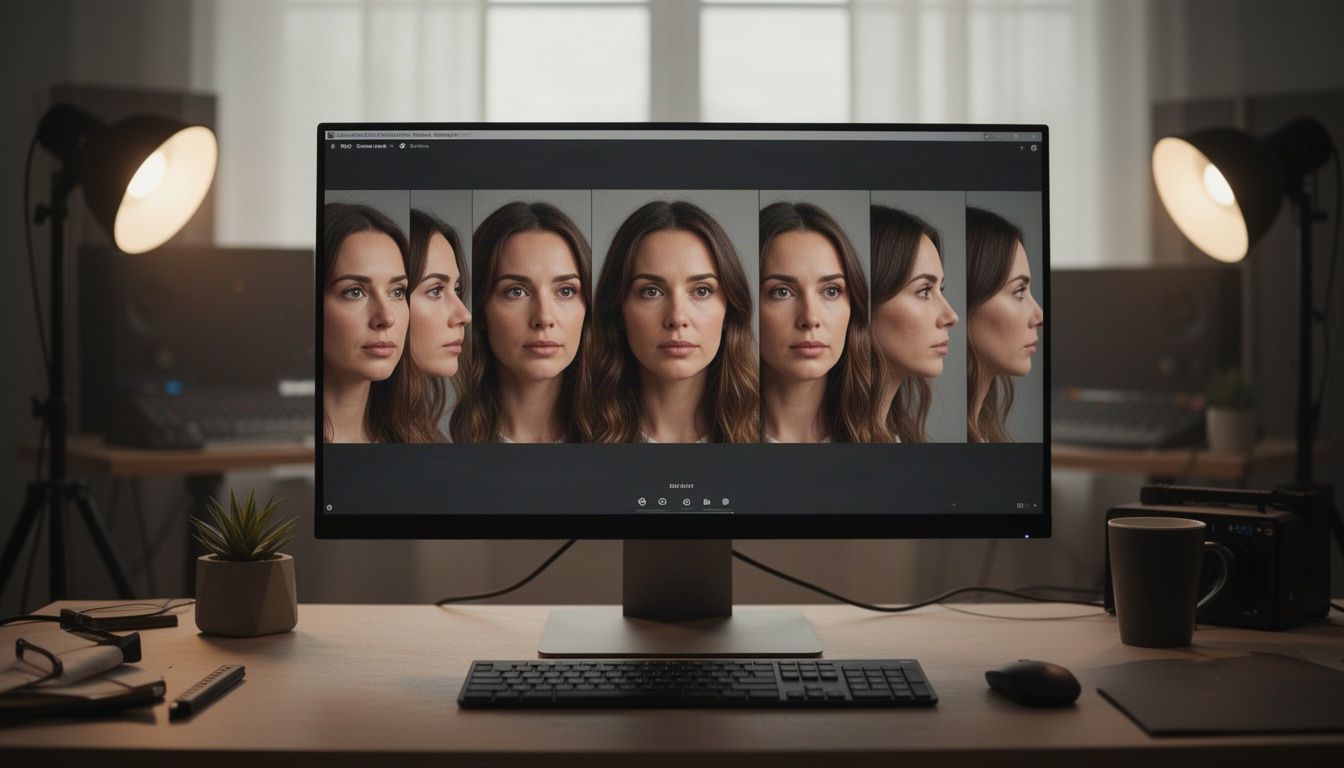
Do not generate a single moving shot until your references exist. Consistency is the biggest gap between an AI clip and an AI film, and references are how you close it. One workflow guide suggests building a pack with a clear face, full outfit, side view and essential prop, then reusing it for every shot.
Do the same for your location. Generate three or four stills of the space so you know the layout, palette and time of day. You are not making final frames here. You are deciding what the world looks like so you can describe it the same way every time.
On OneStudio, the Image generator lets you choose between models such as FLUX.2 and Nano Banana, so you can test your character prompt on two and keep the look you like. The Character Sheet tool is built for the multi-angle version of this job. Costs show before you generate and are charged upfront, which helps when you are budgeting a weekend.
If a keeper frame is soft, run it through the Upscale page before using it as a source image. It has a free option, plus a paid AI model aimed at print and faces.
Expect to throw away a lot. Envato's OMNI experts say to expect dozens of variations before you find a consistent look. Cap this stage at two hours and pick the best set.
Generate your AI film shot by shot
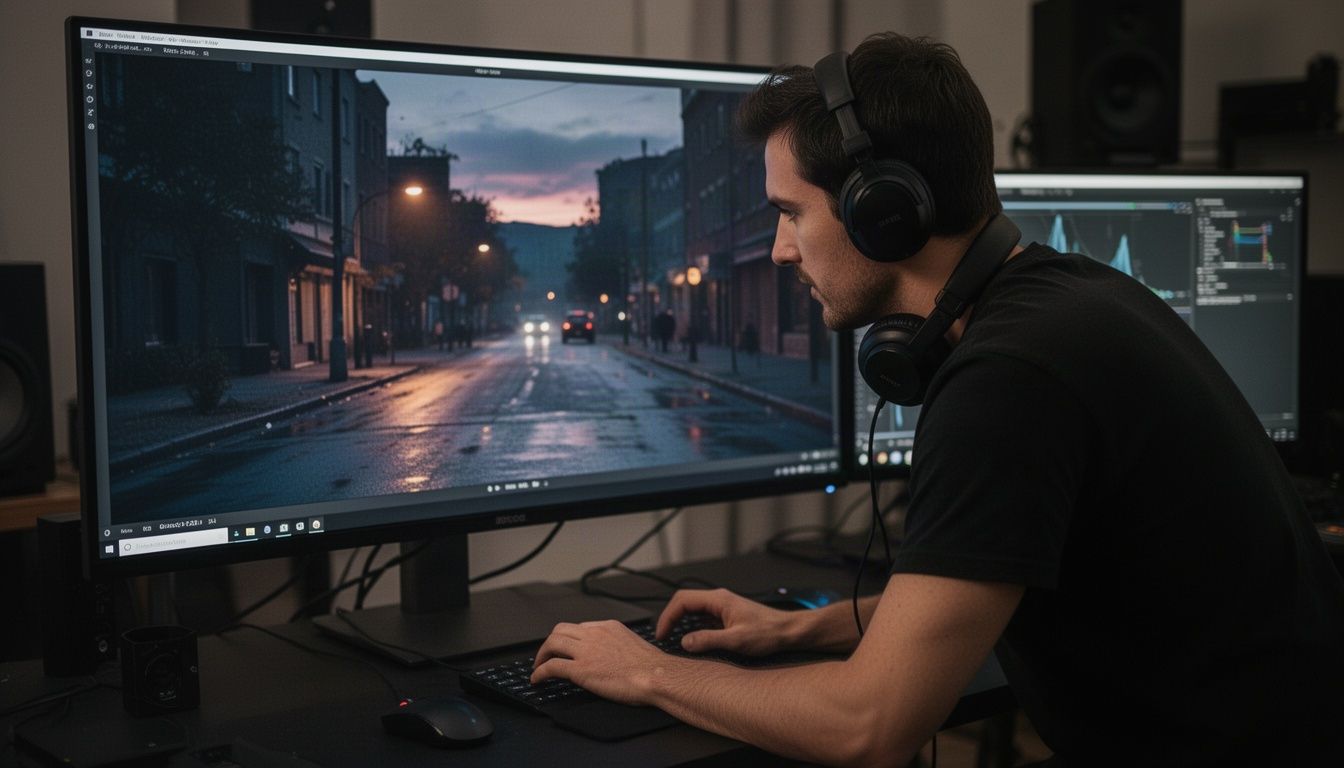
Saturday afternoon is generation time. Work through the shot list in order, starting each shot from a reference still of your character and location, then animate it with an image-to-video model.
Current models are better at one clearly defined shot than at holding a story together over a minute. Soulvid's workflow guide makes the same point: divide the script into shots that can be generated and repaired independently. So keep each prompt to one action, one framing and one camera instruction.
Habits that save hours:
- Generate 2 to 3 takes per shot and pick the best. Do not chase a perfect take for one shot at the expense of the other nine.
- Keep adjacent shots on one model when you can. It tends to give a closer visual match.
- Compare the last frame of one shot with the first frame of the next. Check eye line and screen direction before you move on.
- Save your prompts and settings. When shot 7 needs a redo on Sunday, you will be glad.
- Use a different model for a different job. Seedance, Kling, Veo and Sora all have different looks. OneStudio lets you pick the model yourself, or leave the choice to the platform.
Use the Cinema tool when you want camera-style control over a shot. Stop at the end of Saturday with every shot generated, even if three of them are only okay. You can fix the worst ones on Sunday morning.
Add sound and edit your AI short film on Sunday
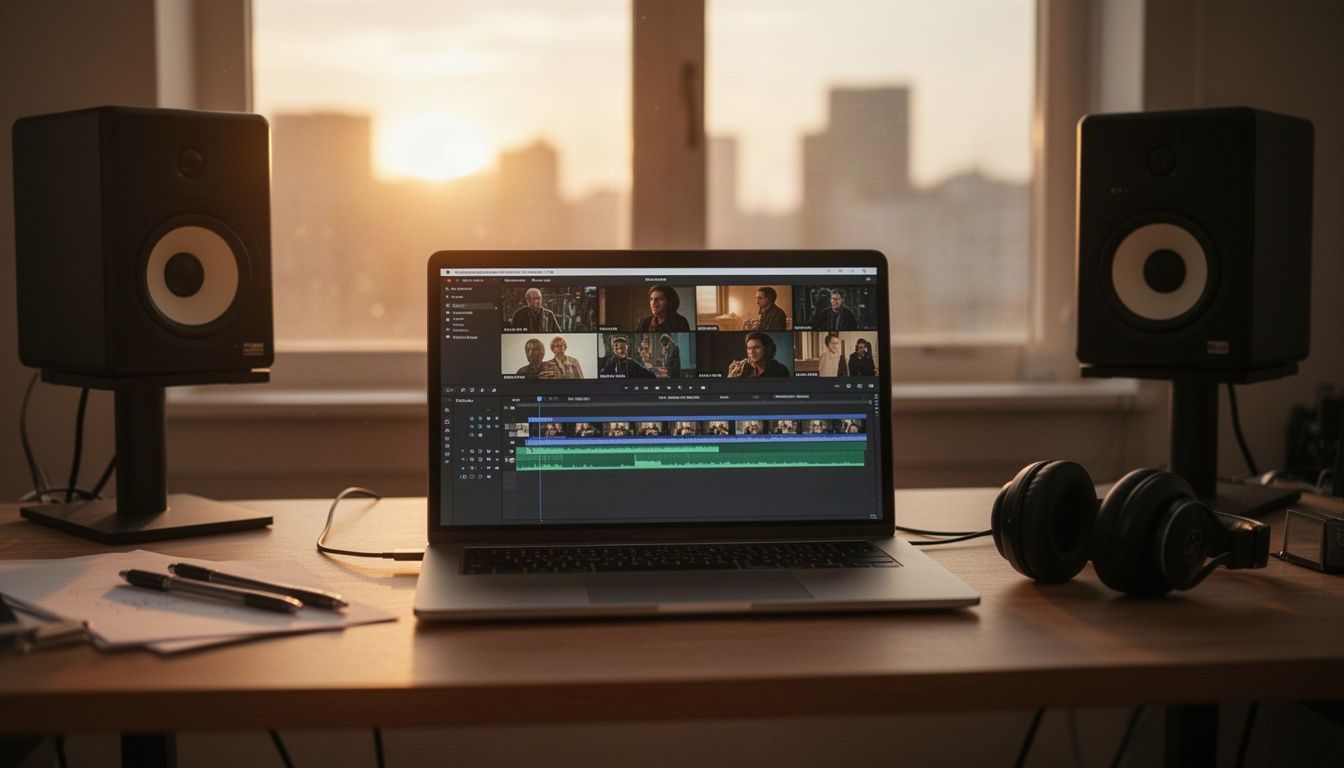
Sound does more for a weak shot than any upscaler will. Music and ambience carry much of the emotion in a short film, and Dreamina's own workflow guide makes the same point about soundtrack and sound design. Generate or source your music bed, then add room tone, footsteps, wind and a few hard effects on cuts.
If your film has a voiceover, ElevenLabs is one of the voice models available in OneStudio's Audio generation. Write the narration short, and record it against your picture, not the other way around.
Then assemble. Use any timeline editor you like. Lay the music down first, cut shots to it, and trim every clip harder than feels comfortable. AI shots often carry a slow first and last second you do not need. For quick exact cuts on single clips, the free Trim tool exports an MP4 from precise start and end times, no account needed.
Run through this checklist before you export:
- Watch with sound off. Does the story still read?
- Watch with eyes closed. Does the audio alone carry mood?
- Swap or cut the single weakest shot.
- Check that the ending lands on a held image, not a cut-off clip.
- Export in 16:9 for the main film.
Once it is done, cut a teaser. If your film is under five minutes, the AI Clipping tool picks the best moments and edits up to 3 short videos for Reels, TikTok and Shorts. Your weekend film then has a trailer too.
Mistakes that eat your weekend
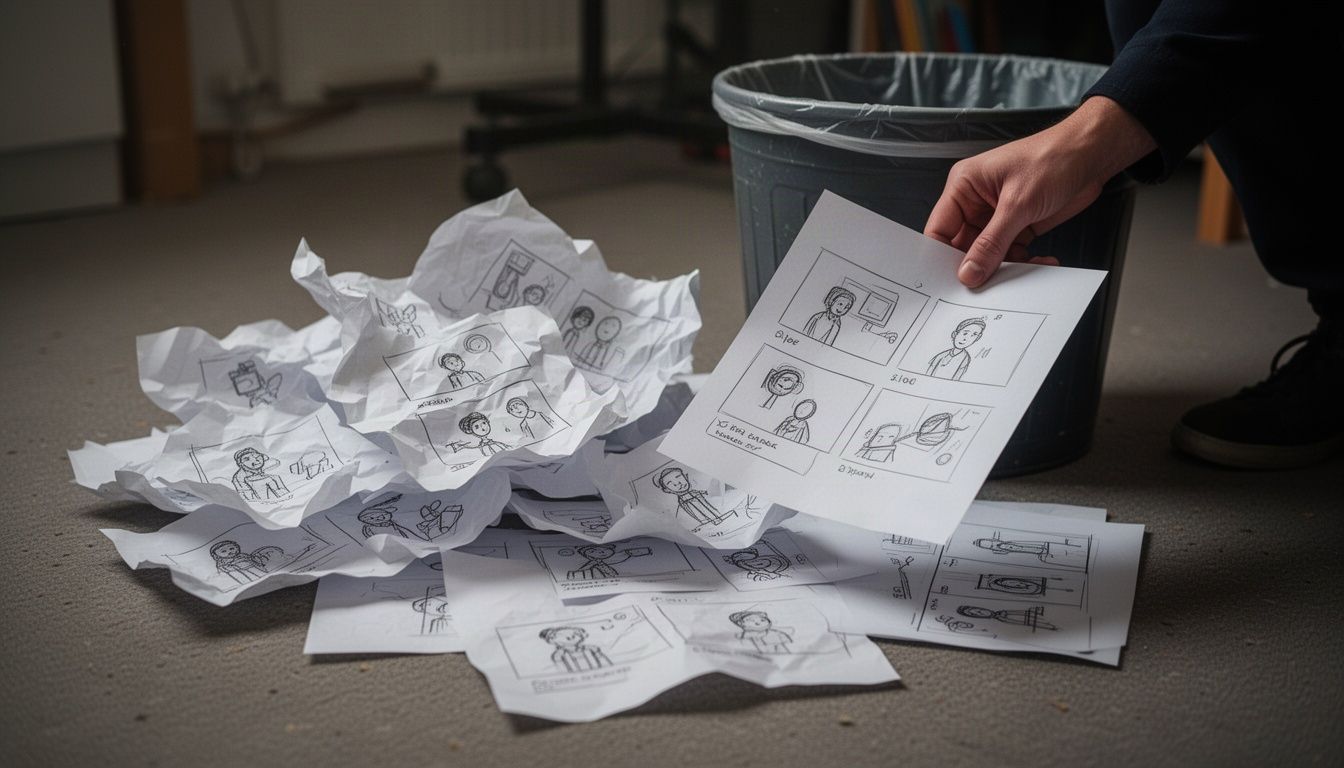
Most lost hours come from the same five errors:
- Starting with video. Skipping references means every shot invents a new face. You will redo them.
- Writing too much story. If the ending does not answer the setup, simplify. Cut a character before you cut a night of sleep.
- Chasing the perfect take. The edit makes the film. As Kling puts it, the shots come from AI and the film comes from the edit.
- Leaving sound to the last hour. Plan the music Friday, finish the mix Sunday, and leave 90 minutes for it.
- Ignoring rights. Use reference material you made or have permission to use, and keep a note of which tools and versions made which shots.
Also be honest about the schedule. One vendor estimates an AI short film at 2 to 5 days of production. A weekend works because you are making 30 to 60 seconds, not ten minutes. If you want a longer film, spread it over several weekends and finish one sequence at a time.
Frequently asked questions
How long should my first AI short film be?
Aim for 30 to 60 seconds. That is roughly 8 to 15 shots, enough for a beginning, a turn and an end without a subplot. You can always build longer films once you have finished one short.
How do I keep my character consistent across shots?
Make a reference pack first: face, outfit, side view and any key prop. Start every shot from those references, repeat only the descriptors that must stay fixed, and keep neighboring shots on the same model where you can.
Do I need editing software to make an AI film?
Yes, a timeline editor is the usual way to assemble the final film. AI makes the shots, and you still cut them together, add music and set the pacing. Simple utilities such as a trimmer help with clip-level cleanup.
Can I use AI to make a film with dialogue?
You can, but it is harder. Lip sync and voice consistency across many shots add rework. For a first weekend film, use no dialogue or a single voiceover.
How much does it cost to make an AI short film?
It depends on how many takes you generate and which models you pick. On OneStudio, every generation spends tokens, with the cost shown before you generate. Check the pricing page for plans and one-time token packs.
Make your weekend film
A weekend AI short film comes down to a small story, locked references, shot-by-shot generation and a tight edit. Do those four things and you will have something worth watching by Sunday night.
If you need the shots themselves, OneStudio gives you 20+ models in one workspace for Video, Image and Audio generation, with token costs shown upfront. Once the film is cut, use AI Clipping to pull short teasers for Reels, TikTok and Shorts.