
On this page
- The Real Price Range: What One AI Video Clip Actually Costs
- Per-Second Pricing Across All Major Models
- The Hidden Cost Multipliers Nobody Warns You About
- Real-World Budget Scenarios: What 100 Clips Actually Costs
- The Complete Cost Stack: From Prompt to Published
- Break-Even Analysis: AI Video vs Hiring an Editor
- Smart Budgeting Strategy: How to Not Waste Money
The Real Price Range: What One AI Video Clip Actually Costs
A 5-second AI video clip in 2026 costs between $0.10 and $3.50 depending on which model and resolution you choose. That's a 35x price spread across the landscape of available tools, and selecting the wrong model for your workflow can burn hundreds of dollars per month even at moderate production volumes. According to VidScore's 2026 pricing analysis, the gap between listed pricing and actual spend comes primarily from regenerations and iterations, not the generation itself.
The cheapest entry point is HunyuanVideo 1.5 at $0.020 per second on WaveSpeed, which translates to $0.10 for a 5-second clip at 480p resolution. At the opposite end, Veo 3.1 with audio at 1080p costs $0.40 per second, meaning that same 5-second clip runs $2.00 through Google's premium tier. Between these extremes sit 26 other models with wildly different value propositions, and understanding where each fits in your production pipeline determines whether AI video saves you money or becomes an expensive experiment.
But here's what most pricing guides won't tell you: the sticker price is only 25-40% of your actual cost. Kompozy's economic analysis reveals that the real per-video cost runs 3-4x the advertised compute cost once you account for failed generations, prep time, audio cleanup, and color matching. A "$1 of credits" short becomes a $3-4 production once you factor in the complete workflow from concept to published clip.
Per-Second Pricing Across All Major Models
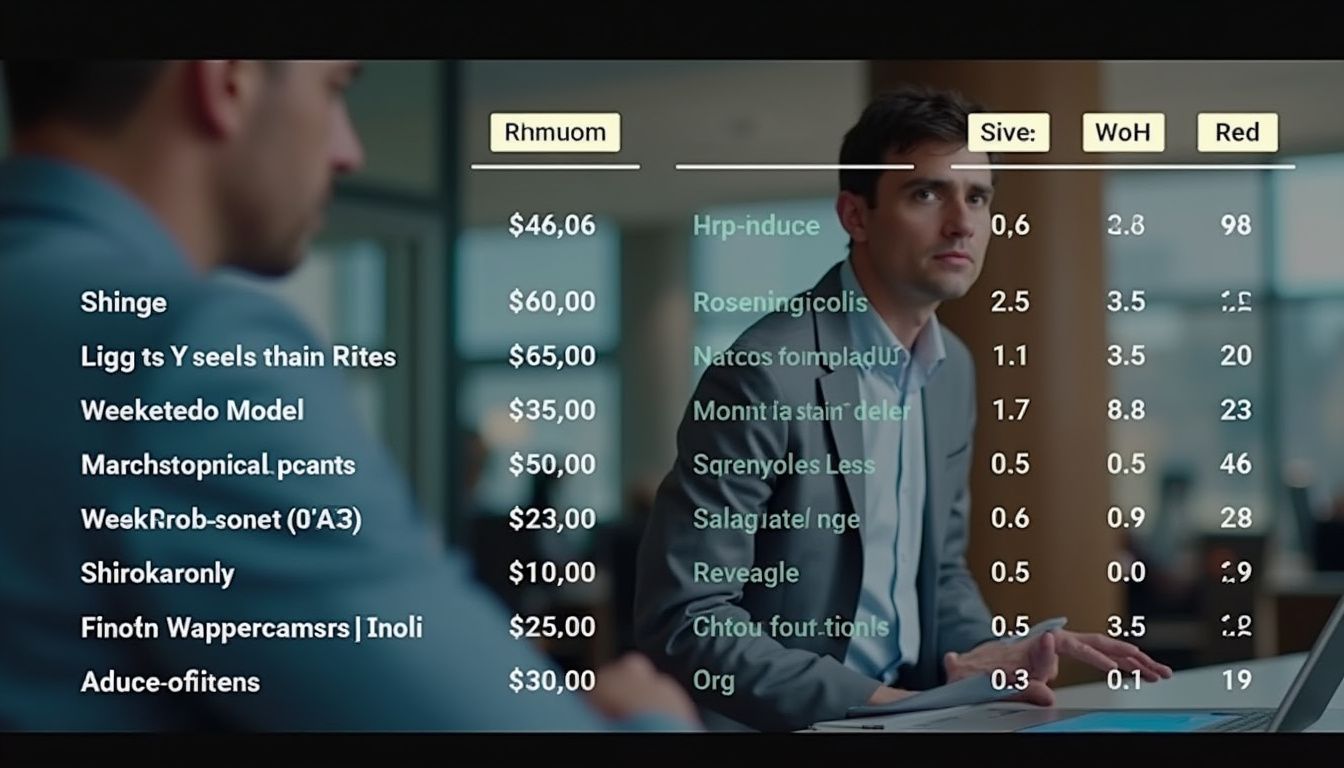
The per-second pricing model has become the standard billing unit across AI video platforms, but the rates vary dramatically by model capability and provider. Budget models run $0.02-0.05 per second, mid-range options cost $0.09-0.15 per second, and premium models charge $0.30-0.75 per second according to AICost.ai's calculator. Understanding these tiers helps you match tool to task rather than overpaying for quality you don't need.
Budget tier leaders: HunyuanVideo 1.5 ($0.020/sec on WaveSpeed, $0.075/sec on FAL.ai), PixVerse V6 ($0.025/sec), and Kling 2.5 Turbo ($0.042/sec) deliver acceptable quality for high-volume social content where iteration speed matters more than cinematic precision. These models work well for TikTok creators pumping out 100+ clips monthly where each failure costs pennies rather than dollars.
Mid-range workhorses: Runway Gen-4 Turbo ($0.05/sec), LTX-2 Pro ($0.06/sec with audio included), and Wan 2.7 ($0.10/sec) offer the sweet spot for YouTube Shorts producers and Instagram creators who need reliable adherence without premium pricing. The key differentiator here is prompt adherence — mid-tier models land usable shots in 1.4-1.8 generations versus 2-4 attempts on budget tools, meaning your effective cost narrows despite the higher sticker rate.
Premium tier: Veo 3.1 ($0.40/sec at 720p-1080p, $0.60/sec at 4K), Sora 2 Pro ($0.75/sec), and Runway Gen-4.5 ($0.60/sec for 10-second clips) target brand work and commercial productions where color accuracy, motion physics, and first-take adherence justify 6-10x the cost of budget alternatives. Veo's transparent pricing through the official Gemini API includes synchronized audio by default, eliminating the separate audio pass that adds 40-100% to costs on other platforms.
The Hidden Cost Multipliers Nobody Warns You About

The listed per-second rate is just the starting point. VidScore identifies five cost multipliers that compound on top of base pricing and can double or triple your actual spend. Understanding these hidden layers separates accurate budgeting from surprise overages at month-end.
Resolution multipliers hit hard: Most models charge 2-4x more for higher resolutions, and the scaling isn't linear. Luma Ray2 costs $0.10/sec at 540p, $0.20 at 720p (2x), and $0.40 at 1080p (4x relative to base). LTX-2 Pro doubles from $0.06 at 1080p to $0.12 at 1440p to $0.24 at 4K — a 4x total increase from base to 4K. If your distribution platform is primarily mobile (TikTok, Instagram), you're paying for pixels viewers will never see.
Audio surcharges add 40-100% on non-bundled models: Native audio generation costs roughly $0.03 per second on top of video-only rates according to AICost.ai. For an 8-second clip that's $0.24 in audio charges, which can rival the video cost itself on budget models. Veo 3.1 charges the steepest markup — $0.20/sec without audio becomes $0.40/sec with it, a 100% premium. Kling v3 adds 50% to base pricing. The notable exceptions are Grok Imagine Video (audio included at no extra cost) and LTX-2 Pro ($0.06/sec includes audio), making bundled-audio models potentially cheaper all-in for dialogue-driven content.
The revision tax is the killer: No AI video lands on the first try. Industry data shows a 30-50% discard rate during iteration, meaning your effective cost per usable clip runs 1.5-2x the listed price. Prompt adherence varies dramatically by model — Veo and Sora carry a 1.3-1.6x revision multiplier due to higher first-take success, while budget models like Kling 2.5 Turbo often require 2-4 generations to nail the shot. This is why the cheapest per-second rate rarely delivers the cheapest finished clip.
Provider markup disparities: The same model can cost 2-3.75x more on one provider versus another. HunyuanVideo 1.5 runs $0.02/sec on WaveSpeed but $0.075/sec on FAL.ai — a 3.75x difference for identical output. Always comparison-shop across API providers before committing to a workflow, especially at production volume where these gaps compound quickly.
Real-World Budget Scenarios: What 100 Clips Actually Costs

Abstract per-second rates don't match real creator budgets. VidScore's scenario modeling breaks down actual monthly costs for three common production profiles, revealing where each model tier makes economic sense.
TikTok Creator: 100 clips/month (5 seconds, 720p): At this volume, budget models deliver the best unit economics. Kling 2.5 Turbo at $0.042/sec yields $0.21 per clip × 100 = $21/month for raw generation. Factor in the 1.7x revision tax and you're at $35-37 all-in for video-only content. Mid-range Wan 2.7 ($0.10/sec) runs $50/month raw, $85 effective. Premium Runway Gen-4.5 ($0.12/sec) costs $60/month sticker, $100 with revisions. For rapid-iteration social content where 30-40% of clips won't make the cut anyway, cheaper failures beat expensive perfection.
YouTube Shorts Producer: 50 clips/month (10 seconds, 1080p with audio): The 1080p + audio requirement changes the math significantly. Budget LTX-2 Pro includes audio at $0.06/sec, delivering $0.60 per clip × 50 = $30/month at sticker, $45-48 with the revision multiplier. Mid-range Kling v3 with audio costs $1.12 per clip ($0.112/sec base + 50% audio surcharge), running $56/month sticker and $90-100 effective. Premium Veo 3.1 with bundled audio costs $2.00 per clip, meaning $100/month raw generation and $150-160 with iterations. The key decision point: can your production value justify 3x the cost, or does bundled-audio LTX-2 Pro deliver sufficient quality?
Studio Production: 20 clips/month (10 seconds, 1080p + audio): At lower volume with higher quality bars, premium models close the gap. LTX-2 Pro costs $0.60 per clip × 20 = $12/month raw, ~$18 effective. Kling v3 with audio runs $1.68 per clip ($33.60/month sticker, $50-55 effective). Veo 3.1 with audio costs $4.00 per clip ($80/month sticker, $120-130 effective including revisions). But here's where economics shift: at brand-strict quality requirements, Veo's 1.3-1.5x revision multiplier versus Kling's 1.7x means fewer total generations to land the approved shot. When creative director time costs $150/hour, saving two rounds of feedback justifies the higher per-clip price.
The Complete Cost Stack: From Prompt to Published
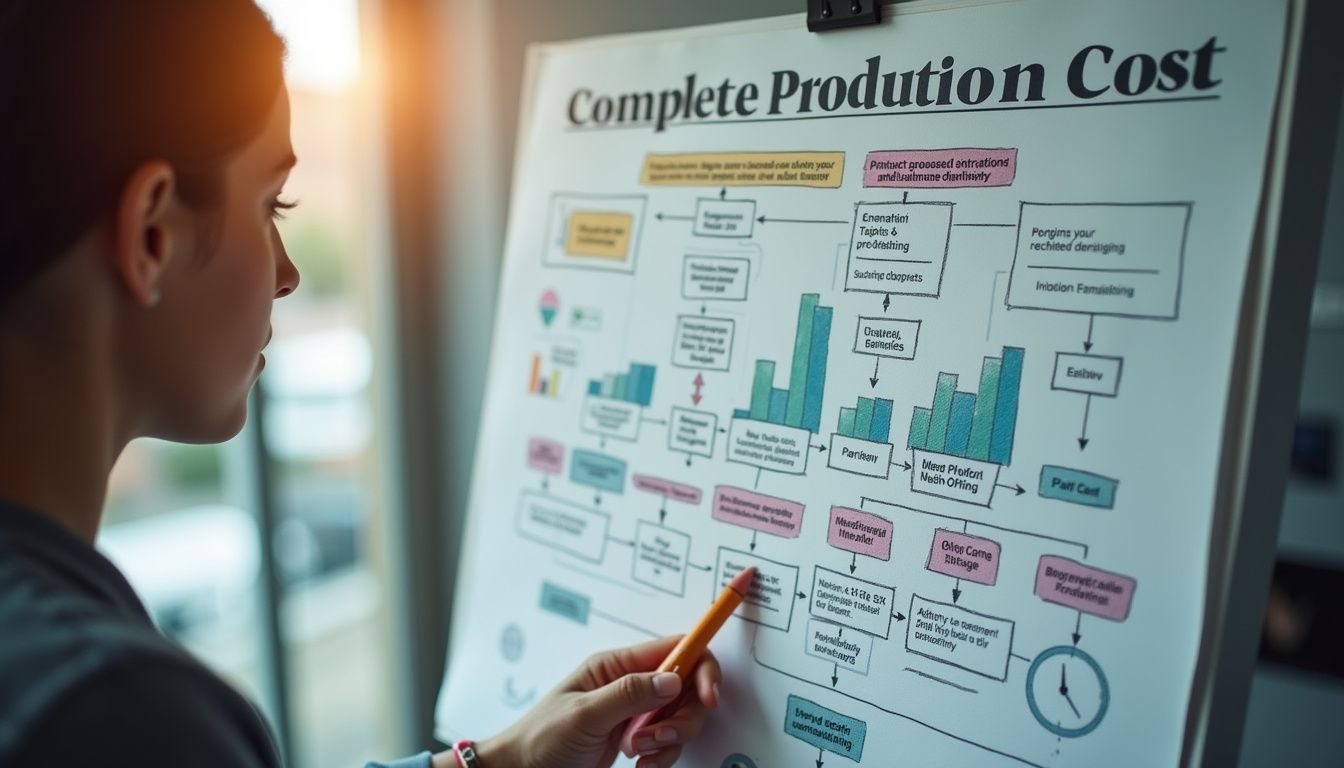
Generation costs are only 25-40% of the real bill. Kompozy's full-stack analysis reveals six cost layers that compound on top of compute charges, and these largely stay constant regardless of which generation model you choose.
Source asset prep (15-60 minutes per video): Every AI voice needs a script — either human-written or AI-assisted then edited for brand voice and hook structure. Every avatar video needs a clone setup. Every generative shot needs either a reference image or a carefully engineered prompt that incorporates style, camera angle, lighting, and motion cues. This prep time carries zero compute cost but significant operator cost, and it's where many "I'll just AI it" projects stall out.
Audio cleanup (5-15 minutes per video): AI voiceover from ElevenLabs or PlayHT needs EQ adjustment, breath cuts, pacing edits, and occasional re-renders when phrasing doesn't land. Those re-renders eat credits you already counted as "done," and the editing time compounds across volume. Budget $0.50-2.00 per finished video in operator time even when the voice generation itself is cheap.
Color matching across mixed sources (5-10 minutes per video): A finished short pulling footage from Pika + Runway + stock Pexels clips won't color-match out of the box. Different models render different white balance, contrast curves, and saturation defaults. Applying consistent LUTs in CapCut or Premiere adds 5-10 minutes per video, which at production volume becomes a meaningful operator cost line item.
Captions (included or $19-25/month): The single highest-leverage retention move on short-form content. Submagic-class dynamic styling runs $19-25/month for unlimited captions, or you can burn them in via ffmpeg scripting if you have the technical chops. Skipping captions tanks completion rate by 30-50%, which makes the entire video cheaper-but-worthless. This cost is unavoidable and largely independent of which generation model you use.
Storage and asset management ($10-30/month at volume): 100 videos per month at 50-200MB each fills cloud storage fast. Budget $10-30/month for storage at production volume, plus the hidden operator overhead of naming conventions, versioning systems, and being able to find past renders when a client asks for revisions three weeks later.
Human review (the cost that never zeros): The last 10% — does this clip actually land, is the hook compelling, is the brand voice intact, will it perform — stays human. This is the quality gate that AI generation makes cheaper but doesn't eliminate, and it's the most worth keeping. Even fully AI workflows budget 5-15 minutes of human decision-making per finished video.
Break-Even Analysis: AI Video vs Hiring an Editor

The economic case for AI video isn't "always cheaper" — it's "cheaper at volume" or "cheaper for specific tasks." Break-even versus a part-time editor depends on your production volume and quality requirements.
Solo creators break even around 5-10 videos per month. A Fiverr editor charges $50-150 per short-form video depending on complexity. At 5 videos monthly that's $250-750, which buys you either mid-tier AI generation plus operator time or decent AI generation with no operator time. Below 5 videos per month, the overhead of learning AI tools and managing the workflow often exceeds just hiring out. Above 10 videos monthly, AI video wins economically even factoring in revision taxes and the complete cost stack.
Brand teams break even around 30-50 videos per month. An in-house video editor costs $4,000-7,000/month loaded (salary, benefits, software, hardware). That editor produces roughly 40-80 finished videos monthly depending on complexity. AI video with creative director oversight runs $500-2,000/month in generation costs plus $2,000-3,000 in director time for review and iteration. The crossover happens when AI + oversight delivers the same 40-80 video output for less than the fully-loaded editor cost, which typically lands around 30-50 videos monthly for brand-strict quality bars.
Where editors still win: Long-form editing, complex motion graphics, projects requiring precise audio mixing, and anything with extensive client revision cycles still favor human editors. AI video excels at high-volume short-form where consistency matters more than craft and iteration is baked into the workflow. Trying to force AI into editor-shaped holes burns budget without delivering results.
Smart Budgeting Strategy: How to Not Waste Money
Most creators overspend by picking premium models for work that doesn't need them. Here's the selection framework that matches model tier to task.
Use budget models ($0.02-0.05/sec) for: High-volume social content, iteration testing, B-roll that gets covered by text overlays anyway, and any workflow where you'll discard 40%+ of generations. The revision tax on budget models is higher, but each failed attempt costs 6-10x less than premium failures. Kling 2.5 Turbo and HunyuanVideo 1.5 are the budget champions.
Use mid-range models ($0.09-0.15/sec) for: YouTube Shorts, Instagram Reels, polished social content where prompt adherence matters but you're not chasing cinematic physics. The 1.4-1.8x revision multiplier here is materially better than budget (2-4x), making effective cost competitive despite higher sticker rates. LTX-2 Pro (with bundled audio) and Runway Gen-4 Turbo are the mid-tier workhorses.
Use premium models ($0.30-0.75/sec) only when: Brand guidelines demand color accuracy, you're cutting into live-action footage and need motion physics to match, client approval cycles mean you can't afford multiple revision rounds, or you're producing commercial work where output quality directly affects revenue. Veo 3.1 and Sora 2 Pro justify their 6-10x premium only when downstream value scales accordingly.
Always comparison-shop providers. The same model costs 2-3.75x more on different API platforms. Check WaveSpeed, FAL.ai, and direct API pricing before committing. At 100 clips per month, a 2x provider markup costs you $100-200 in pure waste.
Factor in the complete stack from day one. Don't budget only generation costs. Add 1.5-2x for revisions, $20-30/month for captions, $10-30/month for storage, and your own time for prep, cleanup, and review. A realistic budget for 50 videos monthly isn't the $30 raw generation cost — it's $150-250 all-in once you account for the complete workflow. Planning for the real number prevents mid-month "where did the budget go" panic.