

On this page
- The Three Workflows Where AI Actually Helps Photographers
- Layer 1: AI Culling Tools That Cut Selection Time by 75%
- Layer 2: AI Editing Platforms That Learn Your Personal Style
- Layer 3: Specialized Retouching for Portraits and Detail Work
- Client Delivery and Gallery Automation Tools
- Building Your AI Stack Without Overspending
- What AI Still Can't Do—and Shouldn't Try
- The Recommended 2026 Wedding Photography AI Stack
- Implementation Strategy: Adding AI Tools to Your Existing Workflow
The Three Workflows Where AI Actually Helps Photographers
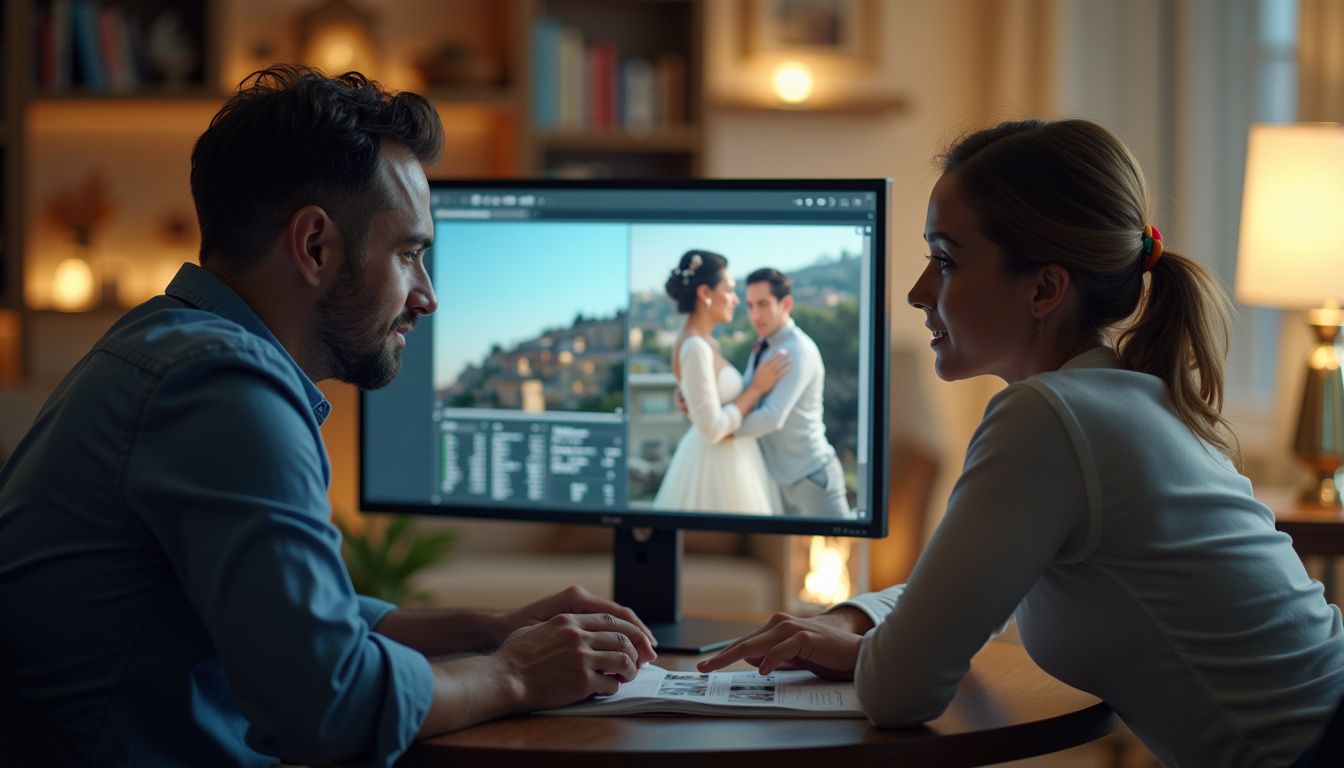
Before diving into specific tools, it's important to understand where AI genuinely improves your photography workflow versus where it's just marketing hype. According to research from [thebizai.co](https://thebizai.co/ai-tools-for-photographers), there are three distinct areas where AI delivers measurable time savings without compromising creative control: image culling and rating, bulk editing with style consistency, and client gallery automation.
The first workflow is AI culling, which handles the tedious task of scoring thousands of images based on technical criteria like focus, eyes-open status, expression quality, and composition. What typically takes 90-180 minutes of manual work per 1,000 images can be reduced to just 5-10 minutes with AI tools. For active wedding photographers shooting 3,000-5,000 frames per event, this translates to saving 6-12 hours weekly on culling alone. As [findme.photo](https://findme.photo/blog/ai-photo-editing-stack-wedding-photographers-2026) notes, AI culling tools can reduce a 4-hour manual cull to under 15 minutes on a full wedding card.
The second high-value workflow is bulk editing with AI that learns your personal style. Rather than applying generic presets, modern AI editing platforms analyze your existing Lightroom catalog and learn your specific preferences for white balance, tone curves, HSL adjustments, and exposure corrections by scene type. This allows you to apply your established editing style across an entire wedding in 10 minutes instead of the 3-4 hours manual editing would require. For photographers with a consistent editing aesthetic, this saves 8-15 hours per wedding shoot.
The third workflow is client gallery automation, which handles delivery, ordering, print fulfillment, and follow-up sequences. While this isn't purely about image processing, AI-powered client gallery platforms save 2-4 hours per client on post-shoot administrative tasks that don't require your creative judgment. The key insight across all three workflows is that AI handles the repetitive, time-consuming technical work while leaving creative selection, retouching judgment, and client relationship work entirely in human hands.
Layer 1: AI Culling Tools That Cut Selection Time by 75%
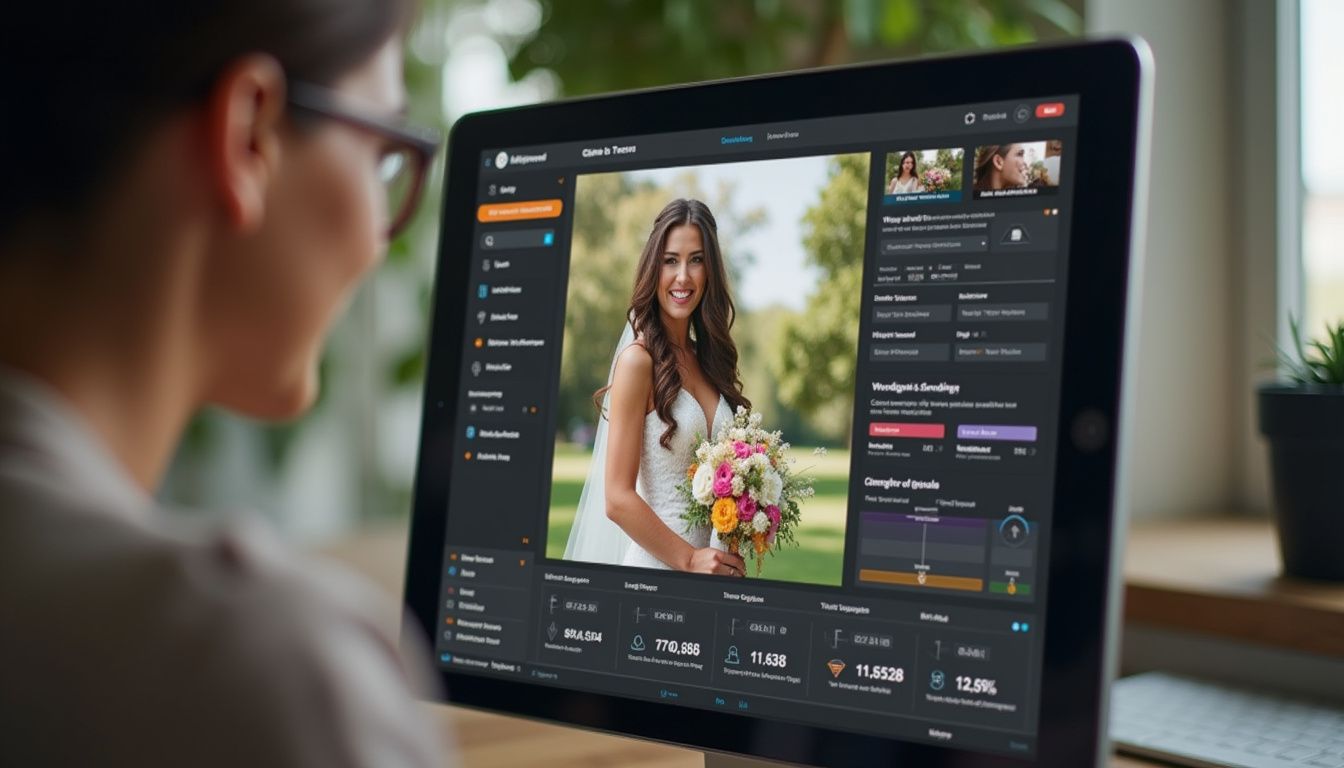
After a 10-hour wedding day, coming home to manually flag keepers from 3,000-5,000 frames is creatively draining and a poor use of your expertise. AI culling tools solve this by automatically analyzing every frame for technical quality markers including focus accuracy, blink detection, duplicate grouping within burst sequences, and composition quality. According to [thebizai.co](https://thebizai.co/ai-tools-for-photographers), Aftershoot is the highest-ROI AI tool for wedding photographers, offering culling-only plans at $9.99/month or combined cull-and-edit plans at $19.99/month, with typical time savings of 6-12 hours per wedding.
Other strong contenders in the AI culling space include Narrative Select, which excels at face-focused analysis making it particularly valuable for portrait sessions with 200-500 images, and FilterPixel DeepCull, which offers specialized wedding modes that understand the typical shot sequences and priorities of wedding coverage. As [filterpixel.com](https://filterpixel.com/best-ai-tools-photographers-2026) recommends, FilterPixel's wedding-specific culling works particularly well when paired with subsequent AI editing tools in a complete workflow stack.
The important caveat with AI culling is that these tools occasionally flag slightly soft frames as keepers while rejecting technically imperfect shots that contain irreplaceable emotional content. As [findme.photo](https://findme.photo/blog/ai-photo-editing-stack-wedding-photographers-2026) wisely advises, build in a quick human review pass after AI culling, especially for ceremony and first-dance sequences. Five minutes of review protects you from the only real failure mode in an otherwise efficient system—an AI doesn't understand that a slightly soft frame of the mother of the bride crying is more important than a technically perfect frame of empty chairs.
Layer 2: AI Editing Platforms That Learn Your Personal Style
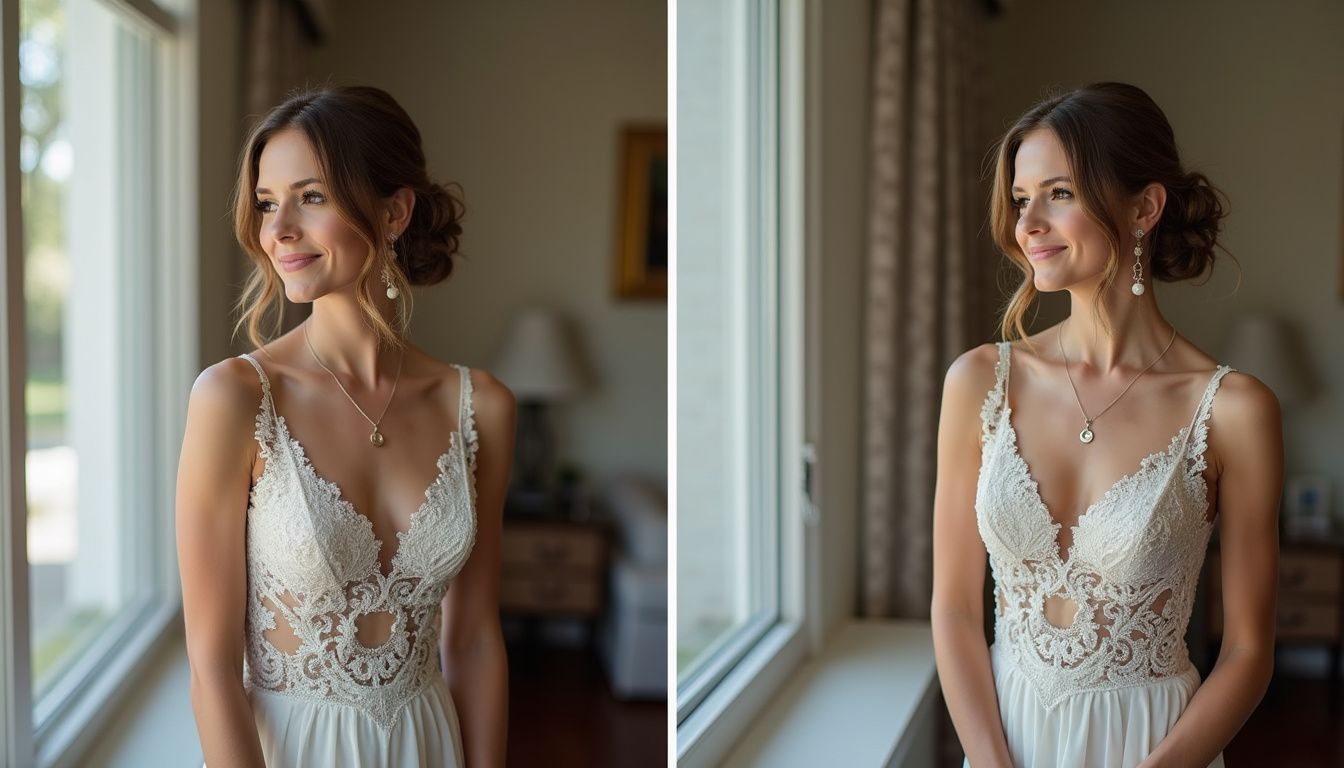
The breakthrough in AI photo editing for weddings isn't about applying generic presets—it's about training AI models on your own past work so the system learns to edit new images the way you would. Imagen AI leads this category and is the most talked-about tool among professional wedding photographers in 2026 for good reason. According to [findme.photo](https://findme.photo/blog/ai-photo-editing-stack-wedding-photographers-2026), you provide Imagen with a Lightroom Classic catalog of at least 5,000 previously edited photos, and it builds a Personal AI Profile that learns your white balance preferences, tone curve behavior, HSL handling for greens and skin tones, and typical exposure corrections by scene type.
The result isn't a preset—it's a model of your editing brain that applies your choices consistently across an entire wedding, from bright outdoor ceremonies to dimly lit reception halls. For high-volume photographers, [barnimages.com](https://barnimages.com/blog/tools/best-ai-tools-photographers-2026/) notes that Imagen works best for those shooting weddings, events, or portraits where consistent style across 500+ images matters, though it requires a minimum of 2,500-5,000 finished images to train effectively. For photographers without sufficient back-catalog yet, Imagen offers 20+ pre-built AI profiles to get started.
Alternative options include Aftershoot Edits (bundled with culling at $19.99/month), which provides faster processing but with somewhat less nuanced style learning than Imagen's premium offering. According to [tovstudiophoto.com](https://tovstudiophoto.com/ai-editing-automation-imagen-capture-one-ai-2026/), the most common 2026 wedding-studio stack runs Lightroom Classic as the primary editor with Adobe Sensei handling AI masking, denoise, and Generative Remove operations, plus Imagen or Aftershoot for the personal-style automation pass. For a 600-image wedding edit that would typically take 8-20 hours manually, personal-style AI editing compresses this to roughly 1-4 hours of review-and-tweak time.
The smartest approach, as [findme.photo](https://findme.photo/blog/ai-photo-editing-stack-wedding-photographers-2026) recommends, is letting AI handle the 80% of images needing solid but unremarkable treatment—guests at tables, wide venue shots, standard portraits—then spending your focused creative attention on the 20% of frames carrying the emotional weight of the day. Your total edit time decreases, but your editorial judgment actually improves because you're no longer burned out from processing filler shots.
Layer 3: Specialized Retouching for Portraits and Detail Work
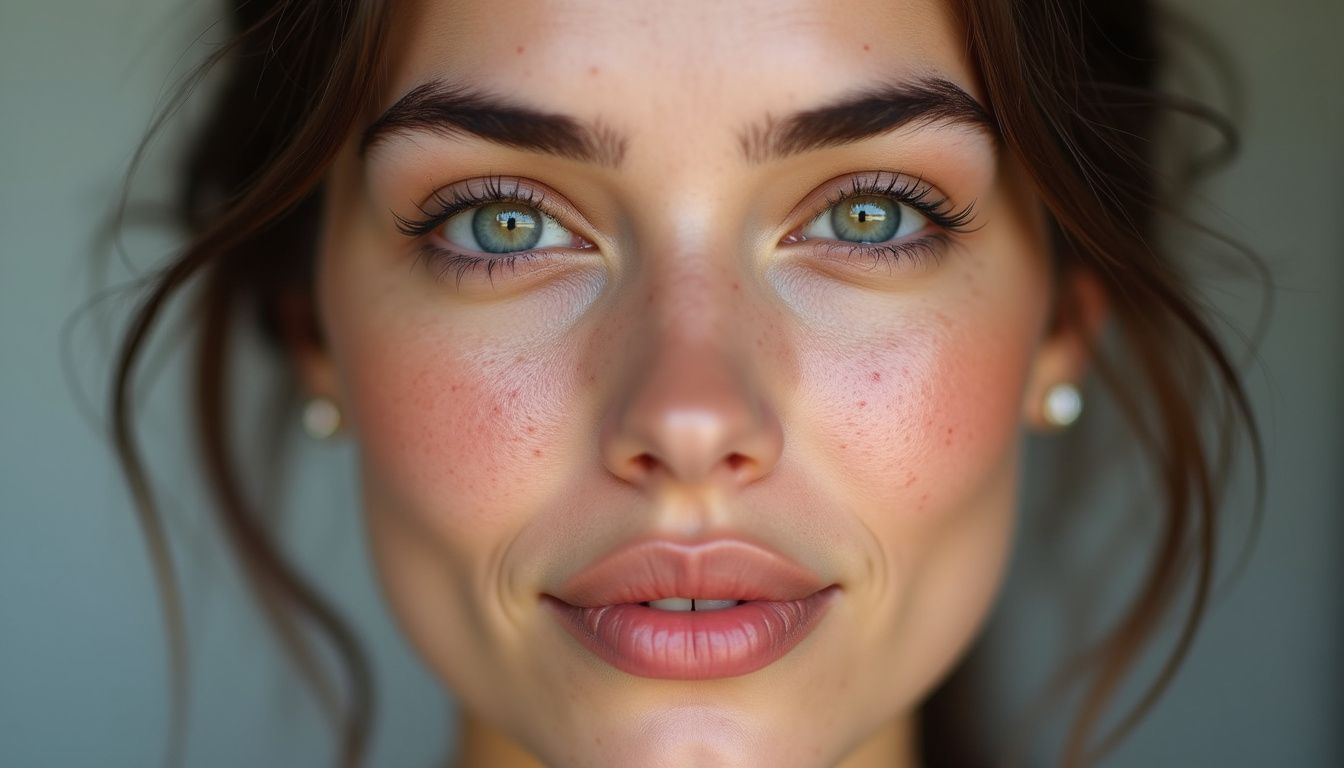
While AI culling and batch editing handle volume efficiently, portrait work often requires more refined retouching for key images. This is where specialized AI retouching tools add value without the time investment of manual Photoshop work. Evoto AI has emerged as a standout in this category, handling skin smoothing, blemish removal, teeth whitening, skin tone evening, eye enhancement, and even background replacement—all with adjustable intensity sliders to maintain photographer control.
According to [filterpixel.com](https://filterpixel.com/best-ai-tools-photographers-2026/), Evoto's standout feature is maintaining skin texture while smoothing. The AI removes blemishes without wiping out pores and fine lines, keeping portraits looking real rather than artificially plastic. This addresses the primary complaint photographers have had with earlier generations of AI retouching that destroyed natural skin texture. For portrait photographers, the recommended workflow is: Narrative Select or Aftershoot for culling → Imagen AI or Aftershoot Edits for batch processing → Evoto AI or PortraitPro for retouching hero portraits.
For wedding photographers dealing with challenging lighting conditions common in reception venues, Topaz Photo AI provides powerful noise reduction and sharpening that recovers detail from high-ISO images shot in dark environments. When integrated into a complete workflow as [filterpixel.com](https://filterpixel.com/best-ai-tools-photographers-2026/) suggests—FilterPixel DeepCull → Lightroom + Imagen AI → Evoto AI for portraits → Topaz Photo AI for dark venue shots—you create a comprehensive system that handles the full range of wedding photography challenges.
Client Delivery and Gallery Automation Tools
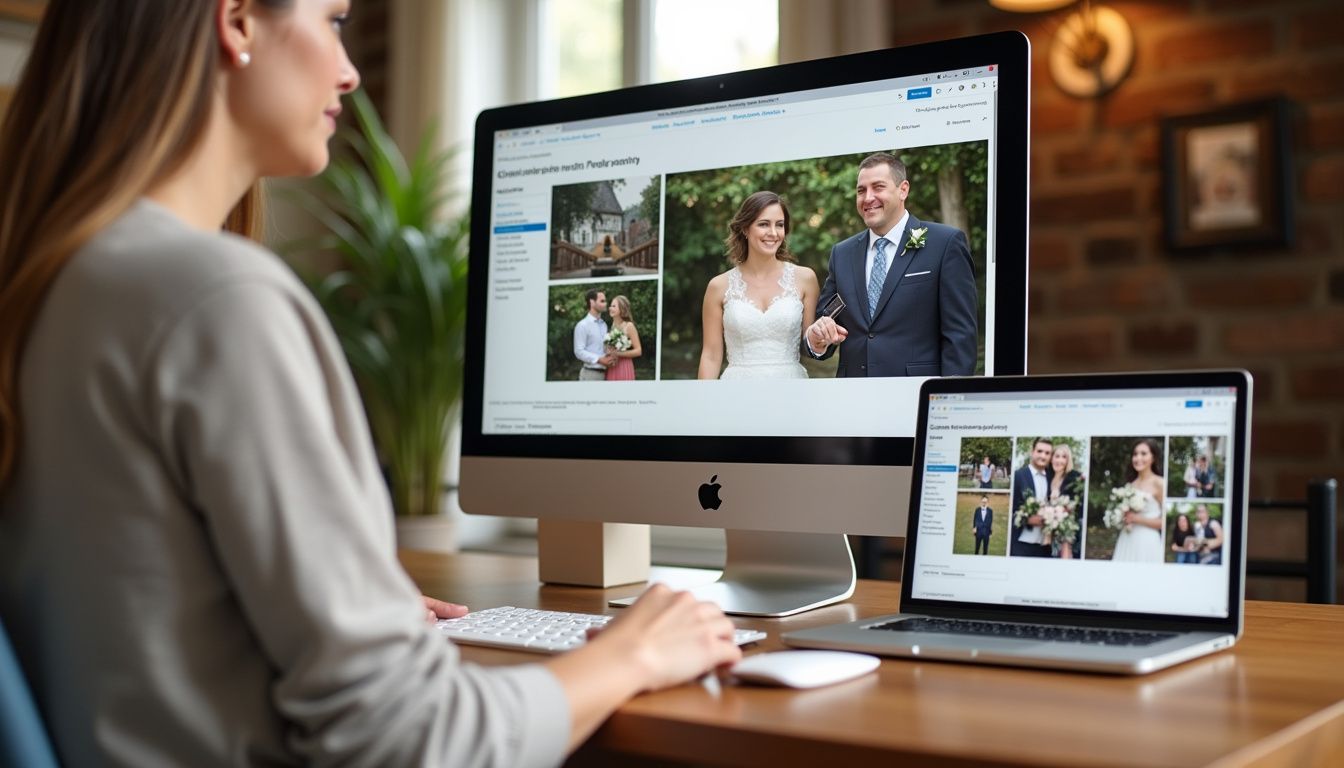
Once your images are edited, the delivery phase presents another opportunity for AI to save significant time while improving the client experience. AI-powered client gallery platforms handle automated delivery, ordering workflows, print fulfillment, and follow-up sequences that would otherwise consume 2-4 hours per client. More importantly, smart delivery tools with features like AI face search transform a finished gallery into a referral engine by making it easy for wedding guests to find and order their own photos.
According to [thebizai.co](https://thebizai.co/ai-tools-for-photographers), the leading platforms in 2026 are Pic-Time and ShootProof, both offering AI-enhanced features beyond basic gallery hosting. Pic-Time Standard starts at $39/month while ShootProof Pro runs $33/month, both providing automated sales campaigns and guest-facing delivery tools that put your brand in front of every person at the wedding, not just the couple. The ROI on these platforms comes from both time savings on order management and increased print sales through friction-reduced ordering experiences.
For photographers just starting with AI tools or shooting fewer than 15 weddings yearly, [thebizai.co](https://thebizai.co/ai-tools-for-photographers) recommends a lean stack: Aftershoot Cull ($10) + Lightroom ($10) + ChatGPT Plus ($20) + Canva Pro ($15) for a total of $55 monthly, adding Pic-Time only when you need client galleries with integrated print sales. For solo wedding photographers doing 15-30 weddings yearly, upgrade to Aftershoot Cull+Edit ($20) + Imagen AI ($300-500/month at volume) + Pic-Time Standard ($39). High-volume studios shooting 30+ weddings need the full stack including Imagen at its highest tier, with total monthly costs around $400-650—which the editing AI earns back through time savings at this volume.
Building Your AI Stack Without Overspending
The temptation when discovering AI tools is subscribing to everything at once and figuring it out later. A more sustainable approach, as [findme.photo](https://findme.photo/blog/ai-photo-editing-stack-wedding-photographers-2026) recommends, is adding one layer at a time, measuring the time you recover, and letting the savings justify the next tool. Start with AI culling since it delivers the fastest, most measurable return—you'll know within one wedding whether you've reclaimed two hours or four. Most tools offer free trials, making it risk-free to test before committing.
For portrait and family photographers with weekly sessions, [thebizai.co](https://thebizai.co/ai-tools-for-photographers) suggests a core stack of Aftershoot Cull ($10) + Lightroom ($10) + ChatGPT Plus ($20 for proposals and client communication) + ShootProof Pro ($33) for a total of $73 monthly. This handles culling for volume sessions, basic editing in Lightroom with Adobe's built-in AI features, AI-assisted business communication, and professional client delivery. Portrait sessions produce fewer images (200-500), so the culling burden is lower than weddings, but consistent editing via AI and batch retouching still deliver significant time savings.
According to [tovstudiophoto.com](https://tovstudiophoto.com/ai-editing-automation-imagen-capture-one-ai-2026/), the total monthly subscription cost across a complete professional stack is roughly $80-150 USD against wedding revenue of $4,000-12,000 USD per event. This means post-production tool costs represent less than 1% of revenue and pay back on every single shoot. When framed against the opportunity cost of spending 15-20 hours on manual editing versus 4-6 hours with AI assistance, the ROI becomes even more compelling—those recovered hours can be invested in marketing, shooting additional sessions, or simply achieving better work-life balance.
What AI Still Can't Do—and Shouldn't Try
While AI tools have become remarkably capable at the technical layer of post-production—exposure consistency, noise reduction, color grading by scene type, and flagging the sharpest frame in a burst—they remain genuinely poor at understanding the emotional hierarchy of a wedding day. As [findme.photo](https://findme.photo/blog/ai-photo-editing-stack-wedding-photographers-2026) clearly states, an AI doesn't know that the slightly soft frame of the mother of the bride crying is more important than the technically perfect frame of empty chairs. That judgment call is still yours and will remain the core value you provide as a photographer.
AI editing tools work by analyzing patterns in your existing edits and replicating those technical decisions on new images. This means they excel at applying your established aesthetic but cannot make creative leaps or adapt to unique situations that fall outside your typical shooting patterns. If a wedding has unusual lighting you've never encountered, or a couple requests a style departure from your normal work, AI tools will struggle. They enhance efficiency within your existing creative framework but don't expand your creative range or replace your artistic vision.
There's also an emerging ethics question around AI use in professional photography. According to [tovstudiophoto.com](https://tovstudiophoto.com/ai-editing-automation-imagen-capture-one-ai-2026/), a practical disclosure norm is developing where photographers include a single line in their studio contract or post-shoot communication noting that final editing involves AI-assisted operations based on the photographer's personal style. The transparency is straightforward, legal exposure is reduced, and informed clients tend to be neutral-to-positive about it. For studios using personal-style training on their own prior edits, the ethics are straightforward—you're scaling your own work. The conservative approach is avoiding third-party style transfer and sticking with personal-style training.
The Recommended 2026 Wedding Photography AI Stack
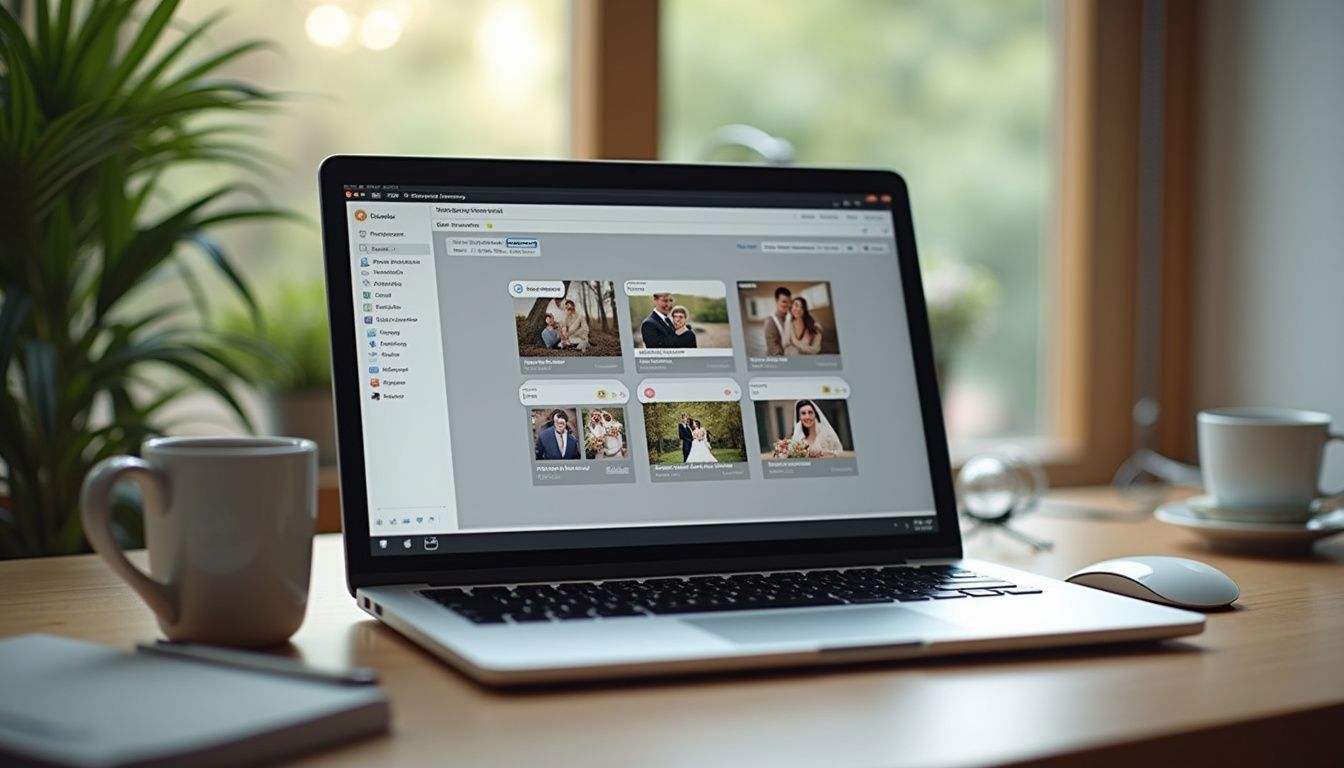
Based on testing and professional photographer feedback compiled across [thebizai.co](https://thebizai.co/ai-tools-for-photographers), [findme.photo](https://findme.photo/blog/ai-photo-editing-stack-wedding-photographers-2026), [filterpixel.com](https://filterpixel.com/best-ai-tools-photographers-2026/), and [tovstudiophoto.com](https://tovstudiophoto.com/ai-editing-automation-imagen-capture-one-ai-2026/), here are the seven essential AI tools for wedding and portrait photographers in 2026, ranked by impact and ROI:
1. Aftershoot (AI culling and editing) — Best for wedding and portrait photographers shooting 800+ images per session. Offers industry-leading culling at $9.99/month or combined cull-and-edit at $19.99/month with 6-12 hours saved per wedding. This is the highest-ROI AI tool available and should be the first addition to any photographer's workflow.
2. Imagen AI (AI editing in your personal Lightroom style) — Best for portrait and wedding photographers with an established editing style and a catalog of 2,500-5,000+ previously edited images for training. Pricing scales with volume ($300-500/month for high-volume studios), but the time savings of compressing 8-20 hours of editing into 1-4 hours of review time makes it worthwhile for photographers doing 15+ weddings yearly.
3. Adobe Lightroom Classic (with built-in AI features) — The foundation editing platform with Adobe Sensei powering AI masking, denoise, and Generative Remove. At $10/month as part of the Photography Plan, it's essential infrastructure that integrates with Aftershoot and Imagen. Most AI editing tools export back to Lightroom for final review and tweaks.
4. ChatGPT Plus (for marketing, proposals, and client communication) — At $20/month, this isn't photo-specific but saves substantial time on business communication, blog content for SEO, social media captions, proposal writing, and client email sequences. For solo photographers handling all business operations, the time savings justify the cost within the first week.
5. Pic-Time and ShootProof (client gallery platforms with AI features) — Both platforms offer AI-enhanced client galleries with face recognition search, automated ordering, print fulfillment integration, and follow-up sequences. Pic-Time Standard ($39/month) and ShootProof Pro ($33/month) save 2-4 hours per client on delivery and order management while increasing print sales through improved guest access.
6. Evoto AI (portrait retouching) — Handles skin smoothing, blemish removal, teeth whitening, and eye enhancement while maintaining natural skin texture. Most valuable for portrait photographers and wedding photographers who deliver retouched bridal portraits. Works as a specialized tool after bulk editing for the 20% of images requiring extra attention.
7. Canva Pro (marketing collateral) — At $15/month, Canva Pro with AI features handles social media graphics, blog headers, pricing guides, and marketing materials. While not directly part of the photo editing workflow, it's essential for photographers managing their own marketing and creates brand consistency across all client-facing materials.
Implementation Strategy: Adding AI Tools to Your Existing Workflow

Rather than overhauling your entire workflow overnight, implement AI tools in phases that let you measure impact before adding complexity. Start with a 30-day trial of Aftershoot's culling tool on your next three weddings or portrait sessions. Track exactly how much time you save compared to your normal culling process. Most photographers report reclaiming 60-75% of their culling time, which for a wedding photographer shooting weekly means roughly 15-20 hours saved per month—time that can be reinvested in shooting, marketing, or personal life.
After validating culling savings, add AI editing as your second phase. If you have 2,500+ edited images in your Lightroom catalog, start training an Imagen AI profile. If your catalog is smaller, begin with Aftershoot's editing feature or Adobe Lightroom's built-in AI tools while building your portfolio toward Imagen's training requirements. Give yourself 60 days with AI editing to develop trust in the system and refine your review process. You'll learn which types of images the AI handles perfectly and which require human adjustment.
The third phase is optimizing client delivery. Once editing time is reduced, upgrade your gallery platform to include AI features like face recognition and automated ordering. This is also when adding business-focused AI tools like ChatGPT Plus for communication and Canva Pro for marketing makes sense—you've freed up time in your schedule and can now invest it in business growth activities that the AI assists with. According to [tovstudiophoto.com](https://tovstudiophoto.com/ai-editing-automation-imagen-capture-one-ai-2026/), this phased approach prevents the common mistake of paying for tools you haven't learned to use effectively while ensuring each addition delivers measurable value before the next investment.
The photography industry in 2026 has reached an inflection point where AI tools have moved from experimental novelty to essential infrastructure for efficient studios. The tools that deliver genuine value—AI culling, personal-style editing automation, and smart client delivery—all share a common characteristic: they handle repetitive technical work at scale while preserving the photographer's creative judgment and client relationships. By building your AI stack strategically, starting with the highest-ROI tools and expanding as you validate savings, you can cut post-production time by more than half without compromising the creative standards that define your work. The photographers thriving in 2026 aren't those avoiding AI or those letting it make creative decisions—they're the ones who've learned exactly where AI enhances their workflow and where human expertise remains irreplaceable.