
On this page
- Understanding AI Video Dubbing: What It Is and How It Works
- Step 1: Extract and Review Your Video Transcript
- Step 2: Translate With Timing and Cultural Context in Mind
- Step 3: Generate or Clone Voices With Explicit Consent
- Step 4: Edit Pacing and Align Audio Manually
- Step 5: Apply Lip Sync to Match Speech and Visuals
- Step 6: Add Subtitles and Secondary Audio Layers
- Step 7: Conduct Thorough Quality Control
- Step 8: Export, Optimize, and Distribute Your Dubbed Content
- Choosing the Right AI Dubbing Tools and Platforms
- Best Practices for Professional AI Video Dubbing
- Common Challenges and How to Solve Them
- Conclusion: Making Global Content Accessible
Video dubbing has transformed from an expensive, time-consuming process into an accessible AI-powered workflow. In 2026, creators can translate video content into dozens of languages while preserving the original speaker's tone, pacing, and even lip movements. Whether you're localizing educational content, marketing videos, or entertainment programming, AI video dubbing offers a cost-effective path to global audiences.
This guide walks you through the complete process of dubbing a video into another language using AI, from transcript extraction to final export. You'll learn how to translate accurately, generate natural-sounding voices, apply lip sync, and ensure your dubbed content feels native rather than machine-generated.
Understanding AI Video Dubbing: What It Is and How It Works
According to captions.ai, AI dubbing is "the automated process of replacing a video's audio with a translated version in a different language" while preserving the original speaker's voice characteristics and delivery. Unlike simple voiceovers, modern AI dubbing maintains tone, emotional inflection, and timing synchronization with visual elements.
The process involves multiple AI technologies working together: speech recognition extracts the original transcript, neural machine translation converts text to the target language, text-to-speech engines generate synthetic voices, and lip sync algorithms adjust mouth movements to match the new audio. AWS notes that traditional dubbing costs approximately $20 per minute with human review, while AI-powered solutions dramatically reduce both cost and turnaround time.
The quality of AI dubbing depends on three critical factors. Translation accuracy determines how faithfully the original meaning is preserved—modern systems excel with straightforward speech but struggle with idioms, humor, and highly technical language. Voice quality affects how natural and engaging the synthetic speech sounds. Lip sync quality, especially crucial for talking-head videos where faces are prominent, separates professional-looking dubs from distracting ones that break viewer immersion.
Not all video content is equally suitable for AI dubbing. Screen recordings, software demonstrations, product tours, real estate walkthroughs, faceless explainer videos, and b-roll with voiceover narration dub beautifully because viewers don't see mouths moving. Content with prominent facial close-ups requires more sophisticated lip sync to avoid the uncanny valley effect familiar from poorly-dubbed television.
Step 1: Extract and Review Your Video Transcript
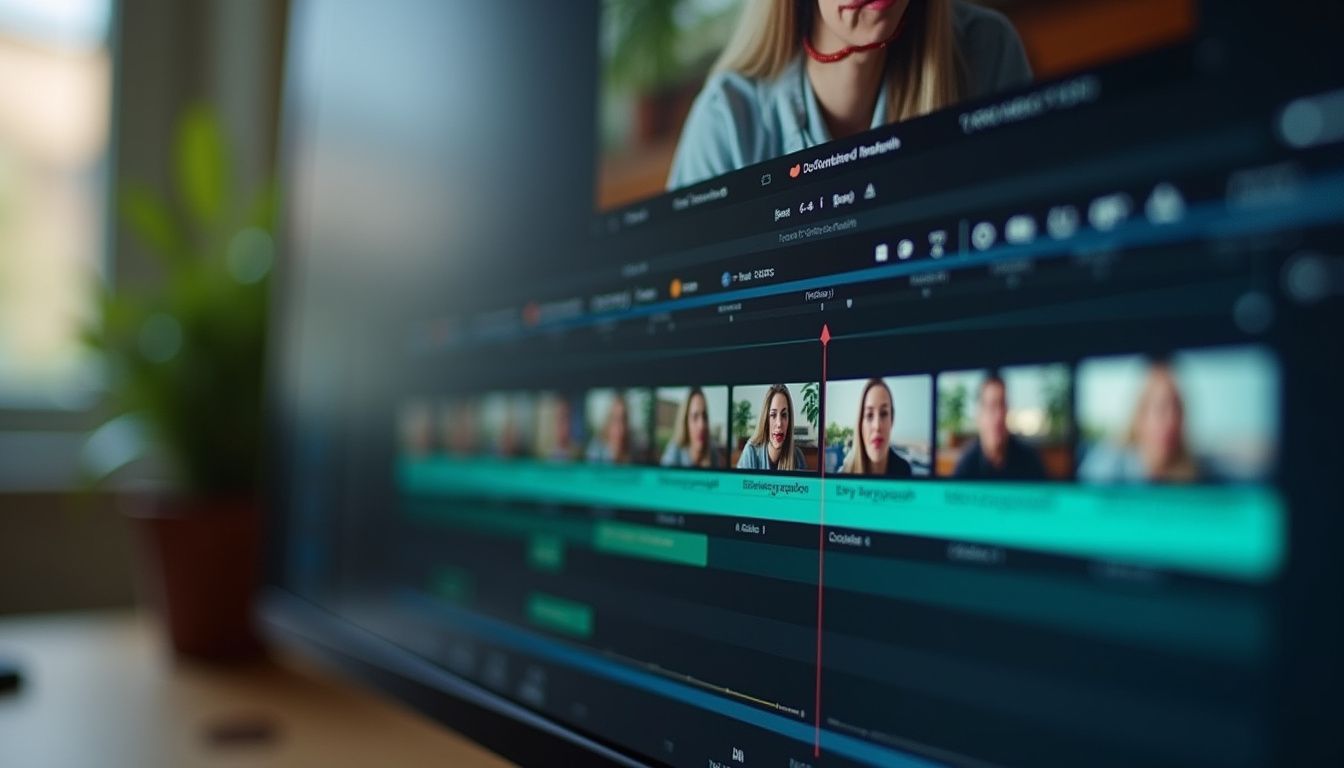
Every successful dub starts with an accurate transcript. Most AI dubbing platforms include automatic speech recognition to generate transcripts, but you'll need to review and clean the output before translation. According to magichour.ai, this foundational step determines the quality of everything that follows.
Export your transcript with timestamps intact—these timing markers are essential for maintaining synchronization between audio and video. Review the transcript carefully, correcting speech recognition errors, adding proper punctuation, and breaking text into logical segments that align with scene changes or natural pauses. This structural work makes translation more accurate and helps preserve the video's pacing.
Pay special attention to technical terms, brand names, acronyms, and proper nouns. Create a custom terminology glossary for these terms to ensure consistency across translations. AWS emphasizes that Amazon Translate and similar services support custom terminology dictionaries, ensuring translations reflect your organization's specific vocabulary and specialized terminology.
Step 2: Translate With Timing and Cultural Context in Mind

Translation is where dubs succeed or fail. Raw machine translation output is rarely production-ready—it requires human review and editing to sound natural when spoken. FreeTTS emphasizes being honest about translation quality before proceeding, as poor translation undermines even perfect voice synthesis and lip sync.
Your translated script must sound natural when spoken, match the pacing of the original video, and avoid overly complex sentence structures. Each translated segment should fit within approximately the same duration as its original counterpart. If translations run significantly longer, you'll need to either shorten sentences or adjust video pacing—a challenge that requires balancing fidelity to meaning with synchronization constraints.
Idioms and cultural references pose particular challenges. According to AWS, idiom detection and replacement is vital for conveying cultural nuances accurately. Modern AI systems like Amazon Bedrock can detect phrases like "well, I hustle" and replace them with culturally appropriate equivalents like "I work hard" that translate correctly. Without this step, idioms either translate nonsensically or lose their intended meaning.
Consider formality levels appropriate to your target audience and culture. Some languages have formal and informal registers that significantly affect how professional or approachable your content feels. Tools like Amazon Translate offer formality controls that let you specify the appropriate tone for your dubbed content.
Step 3: Generate or Clone Voices With Explicit Consent
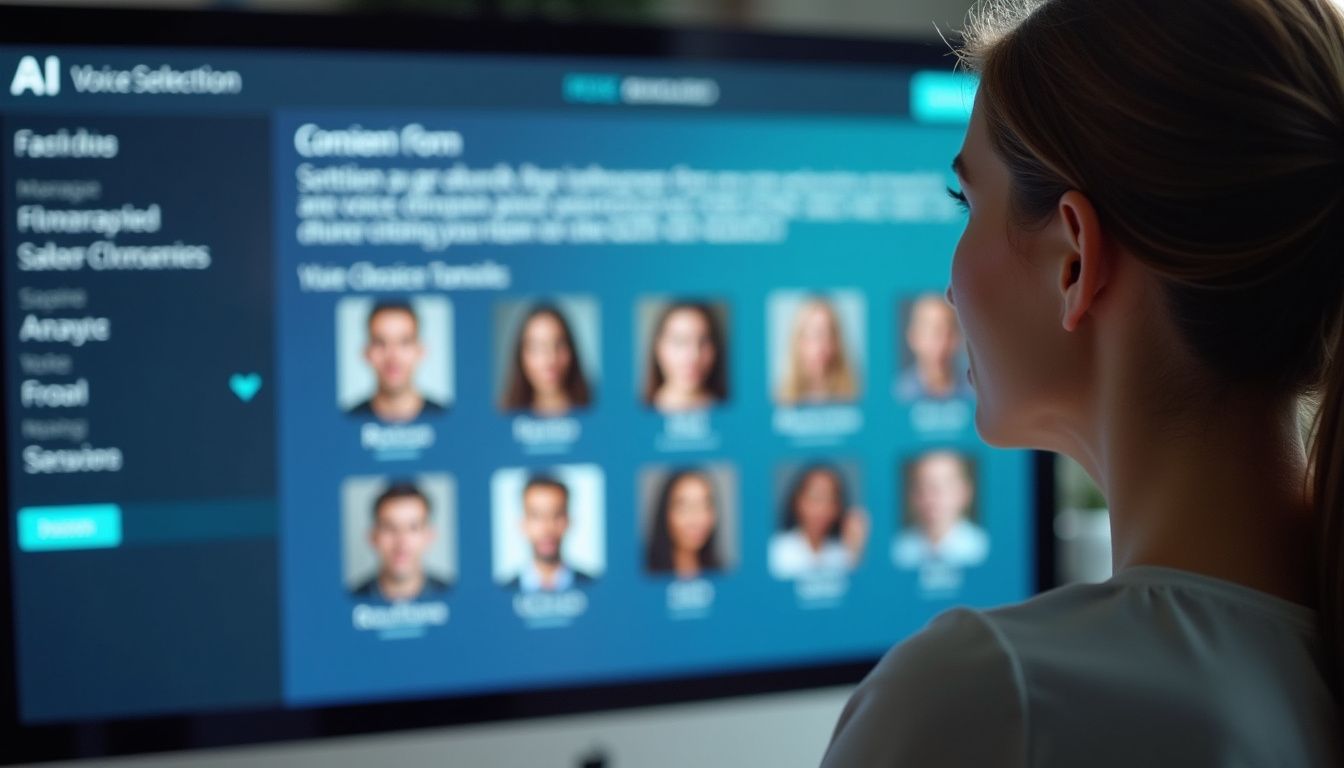
You have two options for generating dubbed audio: select a pre-built AI voice or clone an existing voice. Magichour.ai notes that tools like ElevenLabs can replicate tone and cadence very accurately, while platforms like Magic Hour offer integrated workflows including voice generation, cloning, and lip sync in one place.
Pre-built synthetic voices offer consistency, variety, and zero legal complications. Modern text-to-speech engines provide voices across genders, ages, accents, and emotional tones. Test several voices with sample text before committing—listen for naturalness, clarity, and whether the voice matches your content's tone. Educational content might benefit from clear, measured delivery, while marketing videos might need energetic, enthusiastic voices.
Voice cloning creates synthetic speech that matches a specific person's vocal characteristics. This technology is powerful but comes with critical ethical and legal requirements. Magichour.ai explicitly states: "If you plan to clone a voice, you must have explicit consent from the original speaker. This is not optional. Voice cloning without consent can create legal risk, especially in commercial projects."
When you have proper consent, voice cloning offers compelling advantages. The cloned voice maintains the speaker's unique character across languages, creating continuity for viewers who may encounter your content in multiple languages. The speaker's personality, emphasis patterns, and delivery style remain consistent, making dubbed content feel more authentic than using generic synthetic voices.
Step 4: Edit Pacing and Align Audio Manually

After generating dubbed audio, import it into your video editing timeline and compare it frame-by-frame with the original video. This manual alignment step ensures audio and visual elements stay synchronized. According to magichour.ai, you may need to adjust speed slightly (without distorting voice quality), pauses between sentences, and segment timing.
Focus on key synchronization points where audio and video must align precisely—moments when speakers gesture, when on-screen text appears, when scene changes occur, or when visual actions happen that the narration references. Even small misalignments at these critical points make dubbed content feel amateurish and distract viewers from your message.
Modern AI dubbing platforms increasingly automate time-scaling. AWS describes using Amazon Bedrock to develop sentence shortening algorithms that automatically adjust translation length to match original timing. This automated approach reduces manual editing time while maintaining synchronization quality.
When automated time-scaling isn't sufficient, you'll need human intervention. Shorten verbose translations, split long sentences into shorter segments with natural pauses, or slightly speed up delivery without creating a rushed, unnatural feel. The goal is seamless synchronization that viewers don't consciously notice.
Step 5: Apply Lip Sync to Match Speech and Visuals
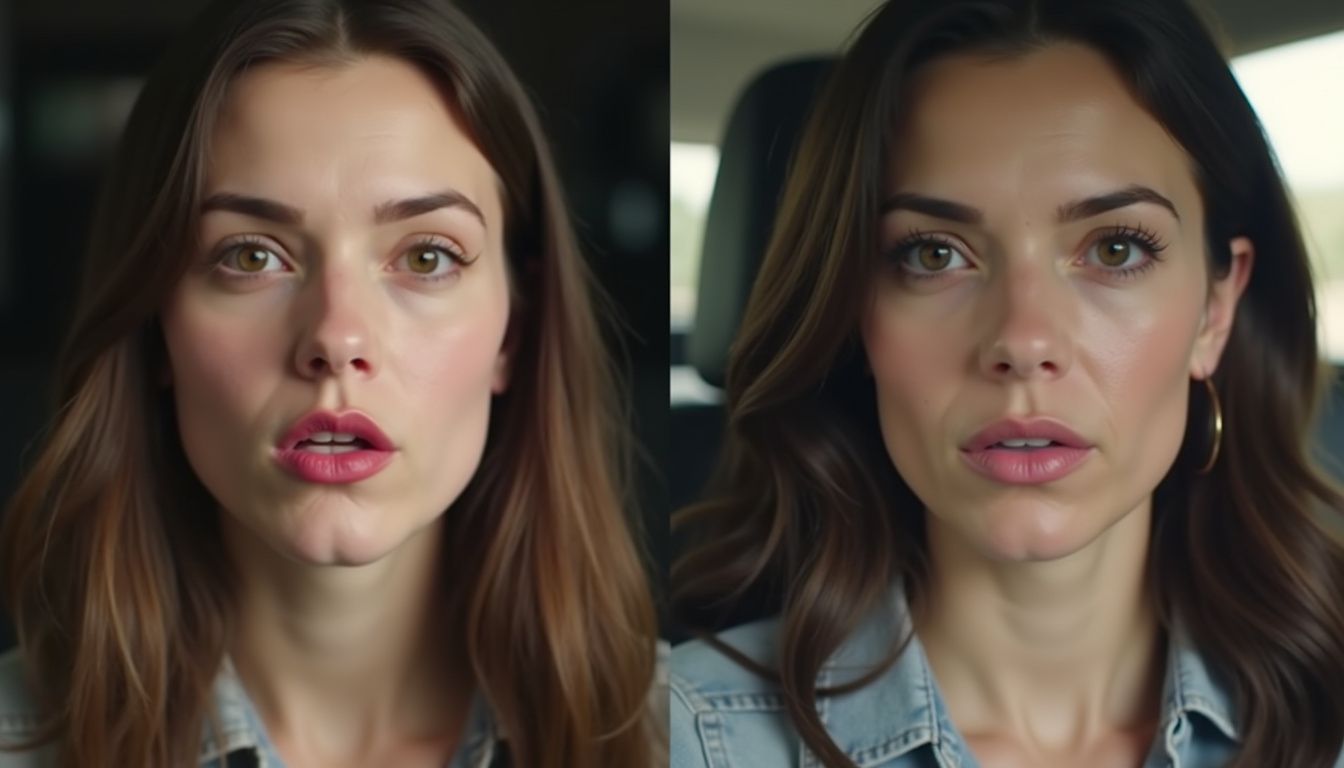
Lip sync is where AI dubbing achieves its most impressive results—or its most obvious failures. Captions.ai identifies lip sync as "the biggest factor separating good AI dubbing from distracting AI dubbing" for videos where speakers' faces are prominent. The technology maps generated speech to mouth movements frame by frame, digitally adjusting visuals to match new audio.
Modern lip sync engines analyze phonemes (distinct units of sound) in your dubbed audio and correlate them with appropriate mouth shapes. The system then subtly morphs the speaker's mouth movements to match the translated speech. When executed well, viewers see mouth movements that perfectly align with words they hear, creating the illusion that the speaker is naturally speaking the target language.
Quality lip sync depends heavily on source video quality. Clear, well-lit footage with unobstructed views of the speaker's mouth produces better results than dark, grainy, or partially obscured footage. Multiple speakers, rapid head movements, or extreme camera angles increase complexity and may reduce lip sync accuracy.
Not all videos require lip sync. As FreeTTS notes, screen recordings, product demonstrations, faceless explainers, and b-roll with voiceover narration don't show mouths speaking, so they don't need lip sync at all. For these video types, focus your effort on translation quality and voice naturalness rather than investing in sophisticated lip sync technology.
Step 6: Add Subtitles and Secondary Audio Layers
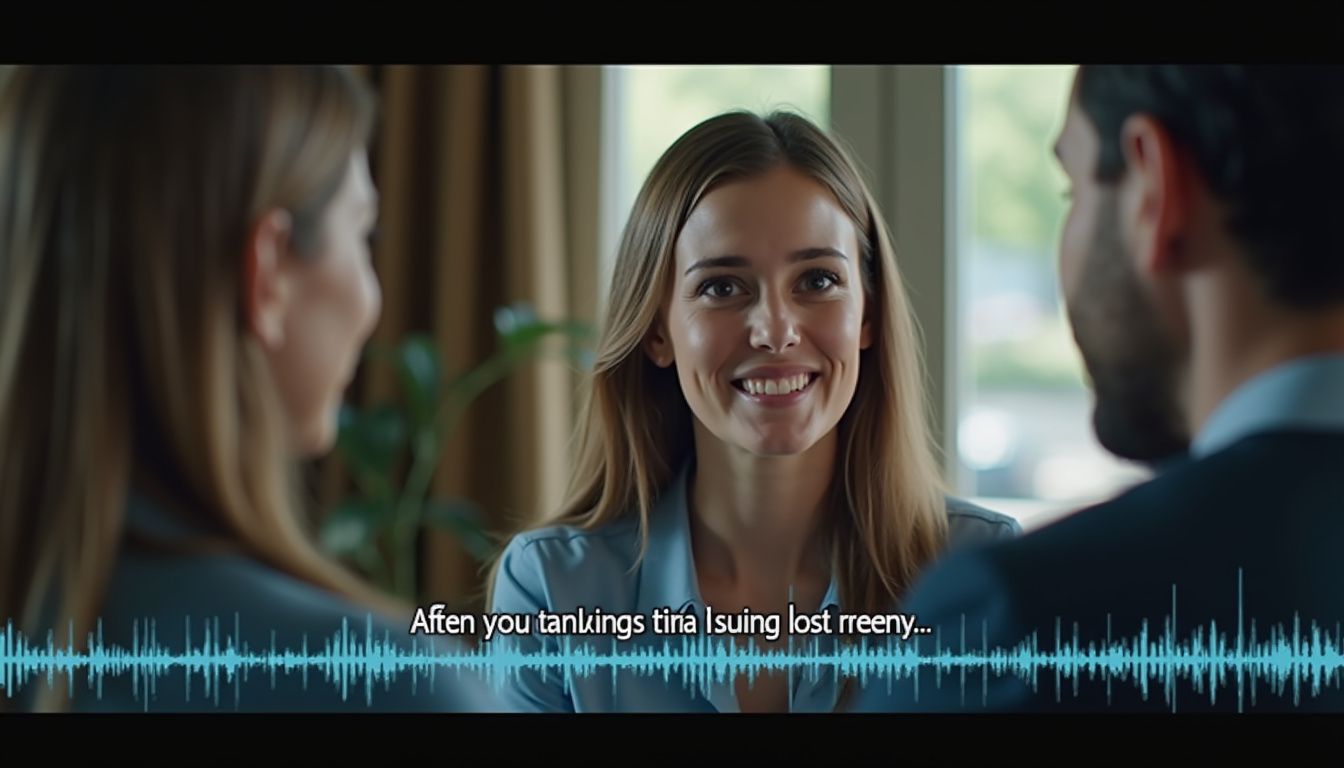
After applying lip sync, add subtitles that match your final dubbed script. Magichour.ai emphasizes that subtitles improve accessibility and make content easier to consume in silent environments like offices or public transportation. They also help viewers whose first language isn't the dubbed language but who understand it as a second language.
Subtitle timing must synchronize precisely with dubbed audio, not the original audio. Review every subtitle entry to ensure it appears exactly when the corresponding words are spoken and disappears when they end. Subtitle reading speed matters too—viewers need sufficient time to read each subtitle comfortably without feeling rushed.
Consider adding additional audio elements that enhance dubbed content. Background music, sound effects, and ambient audio often exist in the original video but may need adjustment when audio is replaced. Ensure these secondary audio layers don't overpower dubbed dialogue and that their timing still makes sense with the new pacing.
For maximum reach, platforms like YouTube now support multi-language audio tracks on a single video upload. As FreeTTS explains, since September 2025, YouTube allows creators to upload one video with multiple audio tracks—a viewer in Mexico hears Spanish, a viewer in Berlin hears German, all on the same upload with unified view counts and comments rather than splitting audiences across duplicate videos.
Step 7: Conduct Thorough Quality Control
Before exporting, review your entire dubbed video from start to finish without interruptions. Magichour.ai identifies this final QC pass as essential for catching issues that become obvious only when watching the complete piece as viewers will experience it.
Check systematically for common dubbing problems: audio-video sync issues where dialogue doesn't align with on-screen action, unnatural voice tone that sounds robotic or emotionally flat, translation errors that change meaning or sound awkward, lip sync glitches where mouth movements clearly don't match words, and subtitle mismatches where text doesn't correspond to spoken audio.
Pay particular attention to transitions between scenes. Dubbed audio that sounds perfect within individual segments can feel jarring at cut points if pacing, volume levels, or ambient sound don't flow smoothly. Minor adjustments to audio levels or transition timing often resolve these issues.
If possible, have a native speaker of the target language review your dubbed content. They'll catch nuances, cultural misalignments, or unnatural phrasing that non-native speakers miss. AWS notes that translation professionals rigorously evaluate machine translation accuracy and recommend using AI as a post-editing tool rather than a complete replacement for human expertise.
Step 8: Export, Optimize, and Distribute Your Dubbed Content
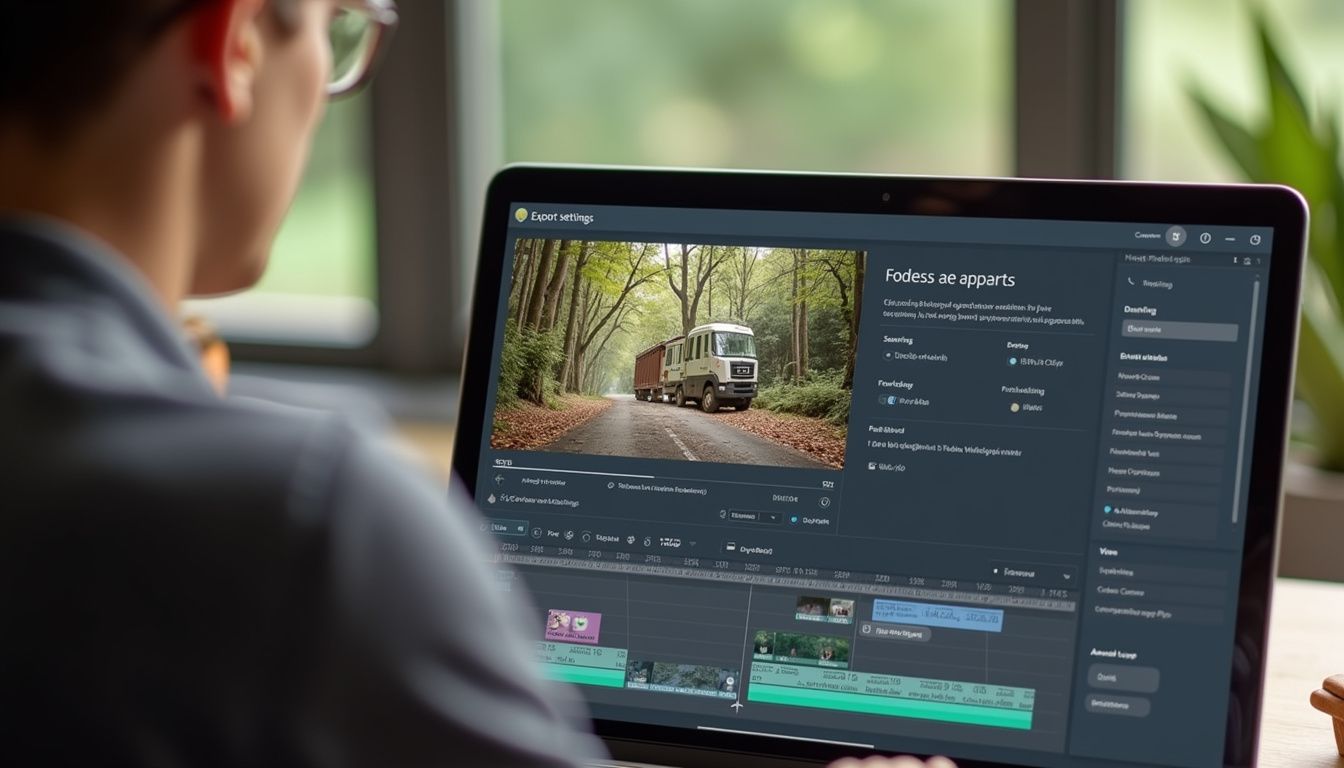
Export your final dubbed video in high resolution with appropriate compression settings. Magichour.ai warns against over-compression, especially when lip sync quality is important—heavy compression can introduce artifacts that make subtle facial movements appear unnatural or distorted.
Choose export formats based on your distribution platforms. For YouTube, high-quality MP4 files with H.264 video codec work reliably. For social media platforms like Instagram or TikTok, vertical formats and platform-specific optimization improve viewer experience. Consider creating multiple export versions optimized for different platforms rather than using one-size-fits-all files.
When uploading to YouTube, take advantage of multi-language audio features. Upload your primary video with the original or most important language, then add additional audio tracks for each dubbed version through YouTube Studio. Label each track with its language code, and YouTube's system automatically serves the appropriate audio to viewers based on their language preferences.
Track performance metrics across languages to understand which dubbed versions resonate most with audiences. View duration, engagement rates, and audience retention patterns reveal whether your dubbing quality meets viewer expectations. Low retention in specific language versions often indicates translation, voice quality, or cultural adaptation issues that need addressing in future content.
Choosing the Right AI Dubbing Tools and Platforms

The AI dubbing landscape in 2026 offers numerous specialized tools and comprehensive platforms. According to Cyberlink, PowerDirector provides integrated dubbing, translation, and lip sync capabilities in a single video editing environment. This all-in-one approach simplifies workflows for creators who want minimal tool-switching.
For voice generation specifically, ElevenLabs leads in voice cloning quality and naturalness. The platform offers extensive voice customization, supports numerous languages, and provides both pre-built voices and custom voice cloning with appropriate consent documentation. Magic Hour combines voice generation with integrated lip sync workflows, reducing the need to move content between separate platforms.
AWS describes enterprise-scale solutions using Amazon Translate for translation (supporting over 75 languages), Amazon Bedrock for post-editing and enhancement, and Amazon Polly for voice synthesis. These cloud-based services integrate into automated pipelines that process large content libraries with consistent quality and significantly lower per-minute costs than human dubbing.
When selecting tools, consider your specific needs: video volume (occasional projects versus regular production), language requirements (common languages versus rare pairs), quality standards (casual social media versus broadcast quality), budget constraints (subscription costs versus per-minute pricing), and technical expertise (user-friendly interfaces versus developer-focused APIs). Most platforms offer free trials—test with representative content samples before committing to subscriptions.
Best Practices for Professional AI Video Dubbing

Professional results require more than just running videos through AI tools. Start with high-quality source material—clear audio, good lighting, and stable footage significantly improve both translation accuracy and lip sync quality. Script videos deliberately with eventual translation in mind, avoiding culture-specific idioms, speaking at moderate pace, and pausing between distinct ideas.
Maintain consistent terminology across all translated versions. Create and continuously update a master glossary of technical terms, brand names, and key phrases with approved translations in each target language. This consistency helps build brand recognition and prevents confusion when viewers encounter your content across different languages or platforms.
Respect cultural differences beyond literal translation. Colors, gestures, humor, and examples that work perfectly in one culture may confuse or offend in another. When dubbing marketing content especially, consider whether visual elements like graphics or on-screen text need localization beyond just audio dubbing.
Build quality control checkpoints throughout your workflow rather than only at the end. Review translations before voice generation, check audio alignment before applying lip sync, and verify lip sync quality before adding subtitles. Catching and fixing issues early prevents compounding problems and reduces overall production time. As AWS notes from their work with MagellanTV, this methodical approach creates "a new frontier of opportunities to distribute content across the world while saving on costs."
Common Challenges and How to Solve Them

Even with best practices, AI video dubbing presents recurring challenges. Timing mismatches occur when translated speech is significantly longer or shorter than original dialogue. Solutions include sentence restructuring to compress or expand content, automated time-scaling using AI sentence shortening, strategic pausing to extend short translations, or slight audio speed adjustment when length differences are minor.
Unnatural-sounding voice synthesis often results from poor voice selection or inappropriate settings. Test multiple voices before committing, adjust speech rate and pitch to sound more conversational, add natural pauses using punctuation in scripts, and consider voice cloning from a native speaker when budget allows and consent is obtained.
Lip sync artifacts become visible when source footage quality is poor, when facial angles are extreme, or when speakers have beards or other facial features that obscure mouth movements. Minimize these issues by using high-resolution source footage, avoiding videos with extreme close-ups during rapid speech, and accepting that some footage simply isn't suitable for lip sync dubbing—consider voiceover-style dubbing instead for problematic content.
Translation quality problems arise from machine translation limitations with idioms, cultural references, technical jargon, and humor. AWS successfully addresses this using AI-powered idiom detection and replacement that identifies problematic phrases before translation. Combining machine translation with human review remains the gold standard for quality, with AI handling first-pass translation and humans refining for naturalness and cultural appropriateness.
Conclusion: Making Global Content Accessible
AI video dubbing has democratized content localization, making it accessible to individual creators, small businesses, and enterprises alike. The technology continues advancing rapidly—voice quality improves, lip sync becomes more seamless, and automated workflows reduce production time and costs. What once required specialized studios and weeks of production now happens in hours with consumer-grade tools.
Success with AI dubbing requires balancing automation with human oversight. Let AI handle the heavy lifting of transcription, translation, voice synthesis, and lip sync, but invest human attention in quality control, cultural adaptation, and ensuring your dubbed content serves your audience authentically. The goal isn't perfect replication of human dubbing—it's creating content that feels native and natural to viewers in each target language.
Start with your best-performing content in your primary language and dub it into one or two additional languages where you know audience demand exists. Measure performance, gather feedback, refine your workflow based on what you learn, then scale to additional languages. This iterative approach minimizes risk while building expertise with AI dubbing tools and processes. As your library of multilingual content grows, so does your global reach and the potential for your message to resonate across linguistic and cultural boundaries.